AI映画制作:プロ並みの絵コンテとコンタクトシートを自動生成する方法
ロングショットからアップまで。一貫性のある9種類のショットを含む3x3のストーリーボードを一瞬で作成。プレビズ(事前視覚化)のための究極のツールです。
AI時代のプレビジュアライゼーション

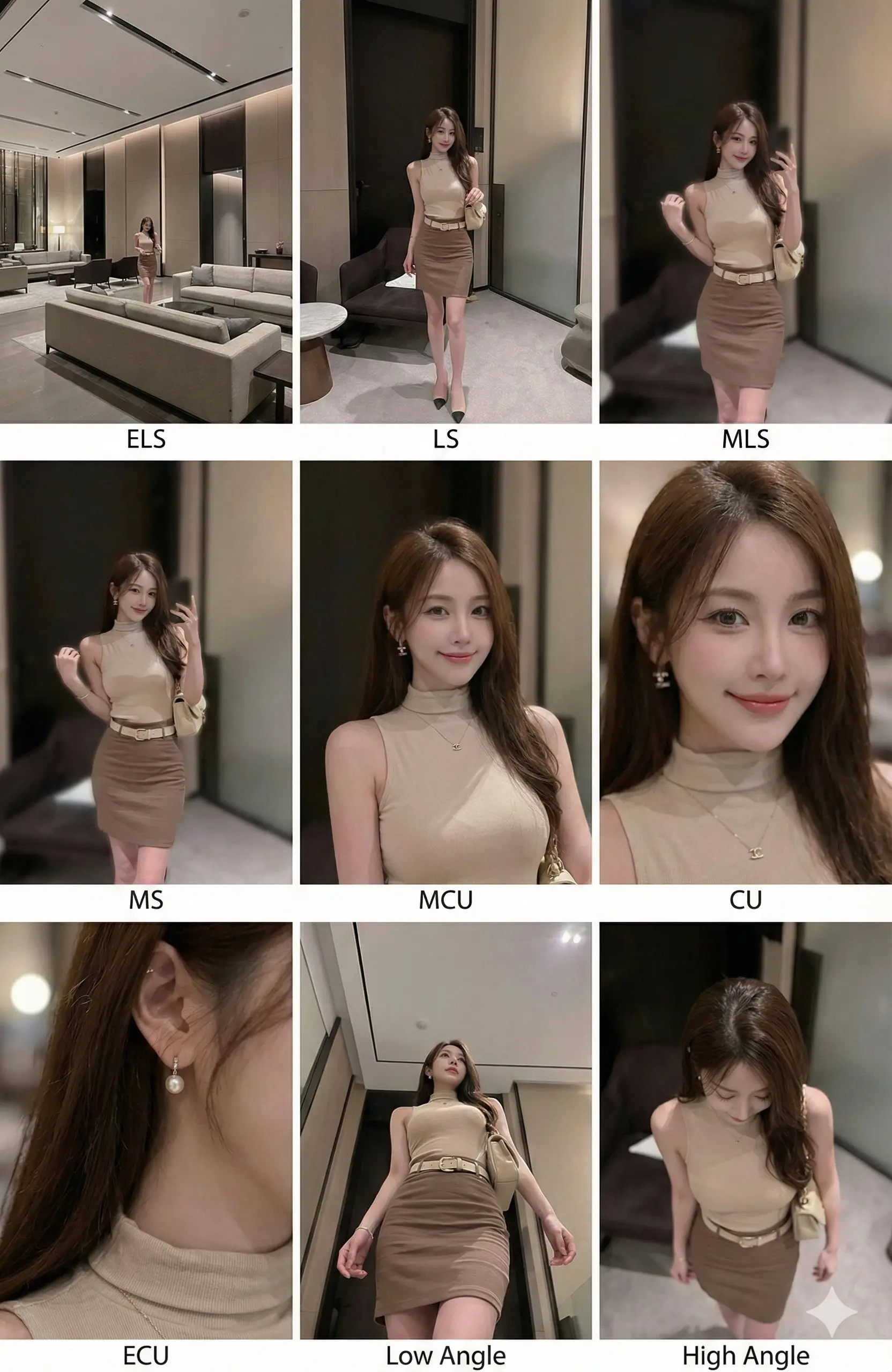
同じ被写体、同じ環境で9種類の異なる映画的ショットを一貫して描画した3x3のコンタクトシート。
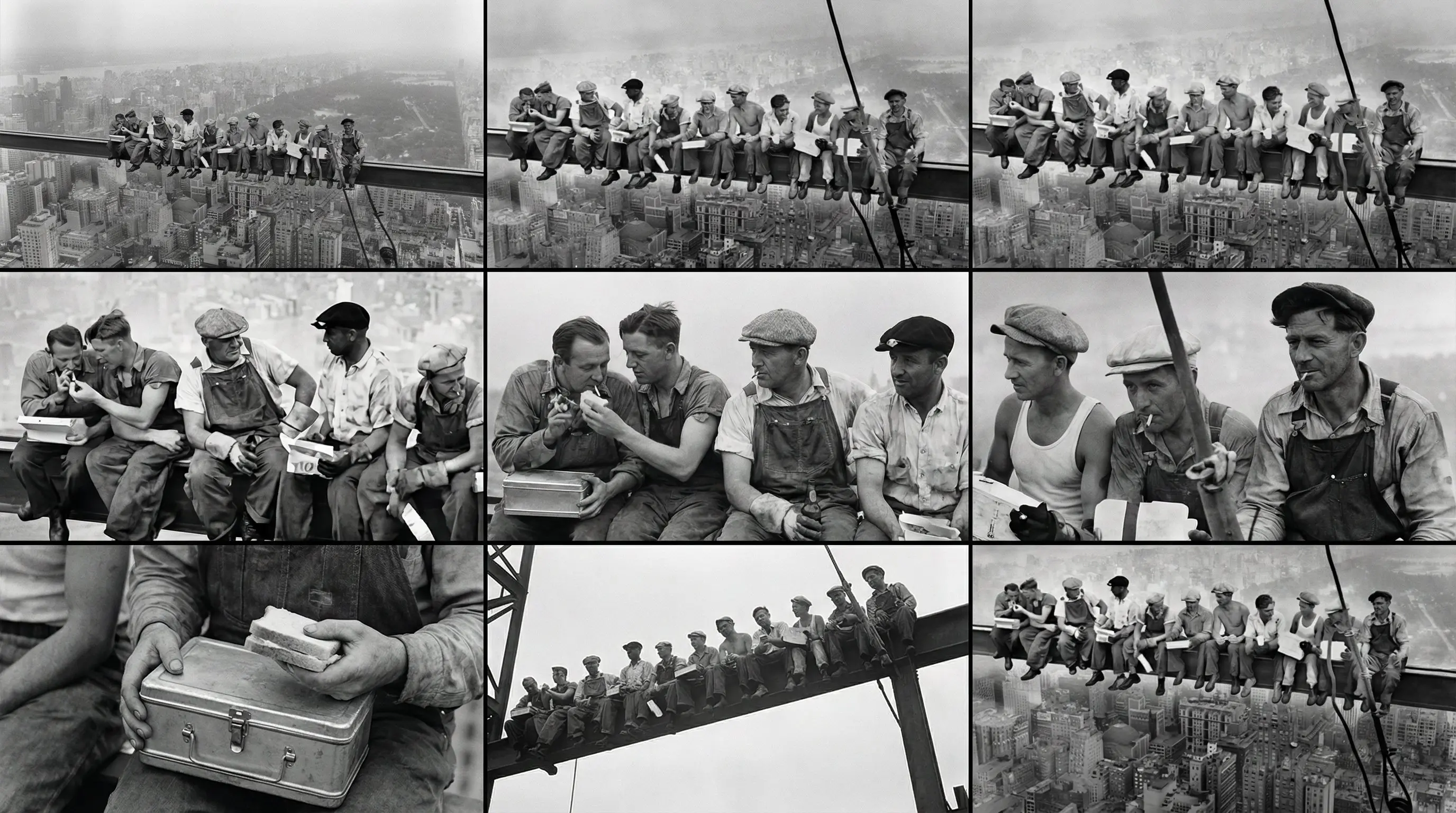
例2:一貫した絵コンテフォーマットを維持しつつ、異なる被写体を表現。
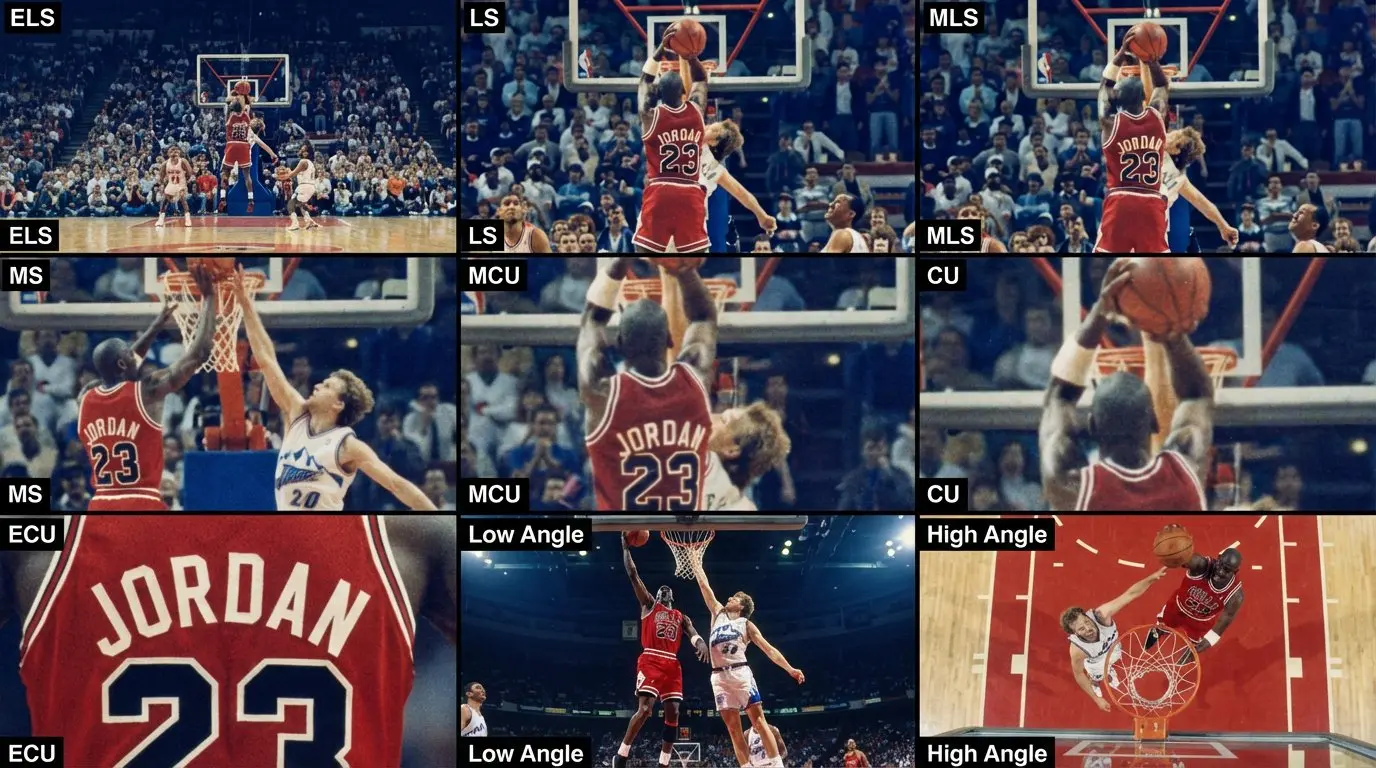
例3:シーンの視覚化における異なるスタイルの解釈を示します。
例4:様々な物語テーマに対するプロンプトの多様性を示します。
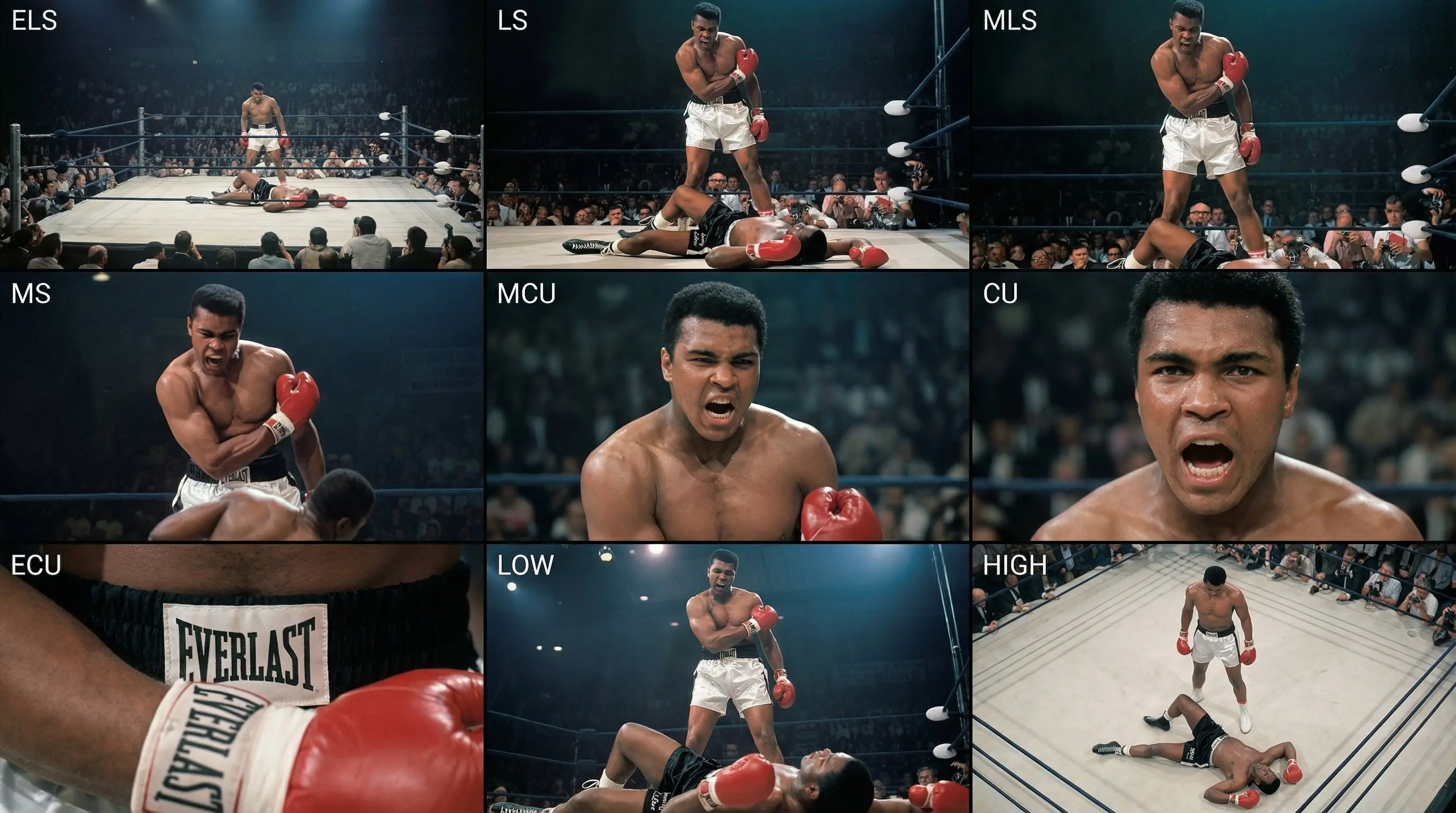
例5:異なるショットにおける細部の表現とキャラクターの感情の強調。
映画監督やカメラマンにとって、絵コンテの作成は非常に時間がかかる作業でした。このプロンプトは、プロ仕様の「コンタクトシート」形式をシミュレートすることで、AIに**同じ環境**で**同じ被写体**を、9種類の標準的なカメラアングルで描かせます。まるで専属の絵コンテ作家が瞬時にアイデアを可視化してくれるような体験です。
プロンプト (Prompt)
📋 コピーして使用
生成される内容の詳細
このプロンプトは、構造化されたXMLタグを使用して、AIモデルを仮想の撮影監督(DP)として機能させます。シーンを映画学校で教えるような古典的なカバレッジパターンに分解します:
- 🎬 1行目 (状況設定): エクストリーム・ロング、ロング、ミディアム・ロングショットで、環境と位置関係を説明します。
- 🎭 2行目 (演技・中核): ミディアム、ミディアム・クローズアップ、クローズアップで、演技やアクションに焦点を当てます。
- 🎥 3行目 (詳細・視点): エクストリーム・クローズアップ、ローアングル、ハイアングルで、視覚的な面白さを加えます。
- ✨ 一貫性: 最も強力な機能は、9つのパネルすべてで服装、照明、環境の「厳密な一貫性」を維持するよう指示している点です。
映画制作での活用ガイド
- 素材の準備: 展開したいシーンの参考画像を用意します。このプロンプトは「Image-to-Image」機能と組み合わせると最適ですが、詳細なテキスト記述と合わせても機能します。
- プロンプトのコピー: 上記のコードブロックをすべてコピーしてください。
<instruction>タグを含めることが重要です。これにより、Claude 3.5やGPT-4oなどの最新モデルが論理構造を理解しやすくなります。 - 生成: プロンプトを実行します。AIはレイアウトエンジンのように機能し、ショットを3x3のグリッドに自動配置します。
- 切り出し: 生成後、9つのパネルを個別に切り出して、実際の絵コンテや撮影リスト、プレゼン資料に使用できます。
なぜ映画制作者に必要なのか
- 即座にショットリスト化: 手書きでスケッチしたり、「クローズアップ」「ロング」と文字で書く代わりに、一瞬で視覚化できます。
- ピッチデッキ(企画書): 資金調達のためのプレゼン資料に、完成映画のような高品質なビジュアルを追加できます。
- 照明のテスト: 特定のライティングスタイル(例:「ティール&オレンジ」)が、異なる焦点距離でどのように見えるかを素早く確認できます。
- コスト削減: 企画の初期段階で、絵コンテ作家に依頼する費用や、自分で描く膨大な時間を節約できます。
プロのヒント
- 被写体の変更: 構造指示はそのままで、"input image"に関する部分を具体的なテキスト記述(例:"A cyberpunk detective in a rainy neon alley")に置き換えることで、オリジナルのコンセプトアートを作成できます。
- アスペクト比: 3x3のグリッドバランスを保つために、1:1(正方形)のアスペクト比での生成をお勧めします。ワイドな画が必要な場合は、後でトリミングしてください。
- スタイル変換: プロンプトの最後に、特定のフィルムストックや監督のスタイル(例:"shot on IMAX 70mm", "style of Wes Anderson")を追加すると、絵コンテ全体にその映画のトーンを与えることができます。