게임 에셋을 위한 핵심 프롬프트 전략 5가지
핵심 구조와 실전 흐름
이 섹션은 Nano Banana로 결과의 스타일, 구성, 소재와 사용 맥락을 안정적으로 제어하는 방법을 한국어로 정리합니다. 원본 프롬프트는 아래 코드 블록에 그대로 보존했습니다.
이 섹션은 Nano Banana로 결과의 스타일, 구성, 소재와 사용 맥락을 안정적으로 제어하는 방법을 한국어로 정리합니다. 원본 프롬프트는 아래 코드 블록에 그대로 보존했습니다.
이 섹션은 Nano Banana로 결과의 스타일, 구성, 소재와 사용 맥락을 안정적으로 제어하는 방법을 한국어로 정리합니다. 원본 프롬프트는 아래 코드 블록에 그대로 보존했습니다.
핵심 구조와 실전 흐름
이 섹션은 Nano Banana로 결과의 스타일, 구성, 소재와 사용 맥락을 안정적으로 제어하는 방법을 한국어로 정리합니다. 원본 프롬프트는 아래 코드 블록에 그대로 보존했습니다.
1. Iconos de Habilidades RPG Modulares

Prompt:
"Context: Generate a 2D Game UI Asset Pack for a mobile RPG.
Subject: A set of 4 square skill icons arranged in a grid.
Items:
1.  Fireball (Red flame icon)
2.  Ice Shield (Blue crystal shield)
3.  Heal (Green cross with leaves)
4.  Sword Slash (White motion trail)
Style: Hand-painted vector game art, Supercell style, glossy finish, rounded corners.
Technical: Isolated on solid black background for easy cropping. High contrast, readable at small sizes (mobile screen)."
2. Panel 패션l de Victoria

Prompt:
"Type: Game Interface Asset (GUI).
Subject: A 'Level Complete' popup window frame.
Design: Ornate gold border with three empty star slots at the top. The center area is a semi-transparent dark parchment texture for text overlay.
Buttons: Include a green 'Next Level' button and a red 'Exit' button at the bottom of the frame.
Constraint: Flat 2D view, no perspective distortion, isolated on white background. Ready for Unity UI splicing."
핵심 구조와 실전 흐름
이 섹션은 Nano Banana로 결과의 스타일, 구성, 소재와 사용 맥락을 안정적으로 제어하는 방법을 한국어로 정리합니다. 원본 프롬프트는 아래 코드 블록에 그대로 보존했습니다.
1. 캐릭터 걷기 사이클

Prompt:
"Task: Create a Game Sprite Sheet for a 2D side-scroller.
Character: A 16-bit pixel art knight in silver armor.
Action: A 6-frame walking animation cycle displayed in a horizontal row.
Details:
*   Frame 1-6: Show slight leg and arm movement variations to simulate running.
*   Side view (Profile).
Tech Specs: Uniform grid layout, clean pixel edges, transparent background, SNES aesthetic. No anti-aliasing."
실전 예시
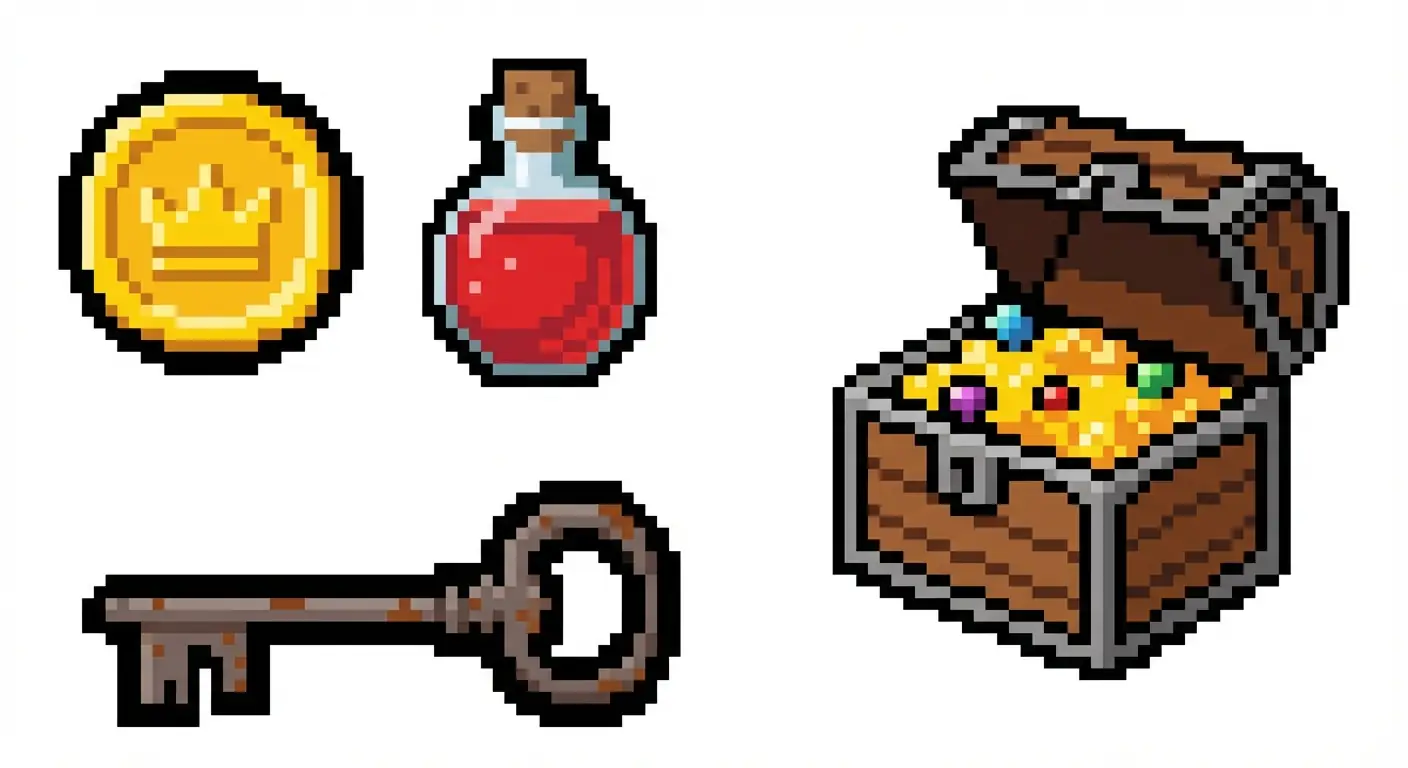
Prompt:
"Type: Pixel Art Game Assets.
Subject: A collection of looting items scattered on a sheet.
Items: A gold coin, a red potion, a rusty key, and a treasure chest.
Style: 8-bit retro style, thick black outlines (for visibility against game backgrounds).
Layout: Items are separated and isolated on a white background, not overlapping. Ready to be cropped."
핵심 구조와 실전 흐름
이 섹션은 Nano Banana로 결과의 스타일, 구성, 소재와 사용 맥락을 안정적으로 제어하는 방법을 한국어로 정리합니다. 원본 프롬프트는 아래 코드 블록에 그대로 보존했습니다.
실전 예시

Prompt:
"Asset Type: Seamless Tiling Texture for a 3D game environment.
Subject: Cracked stone dungeon floor tiles.
Details: Ancient grey stones with moss in the crevices.
View: Direct top-down (Orthographic), flat lighting (no heavy shadows to allow tiling).
Quality: 4K texture resolution, photorealistic, Unreal Engine 5 asset style."
2. Madera Pintada a Mano Estilizada
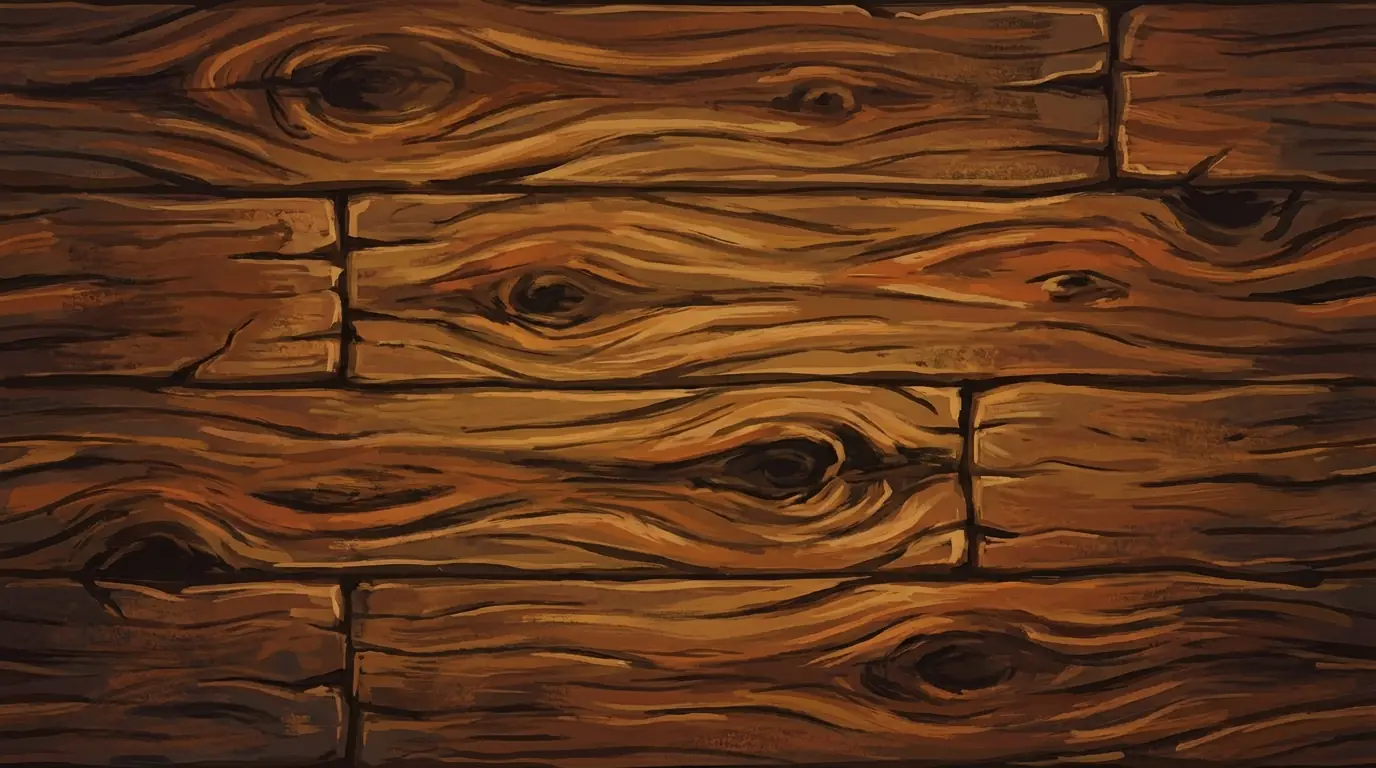
Prompt:
"Context: Texture Asset for a stylized game (like World of Warcraft).
Subject: Hand-painted wood plank texture.
Style: Exaggerated wood grain, bold colors, painterly brushstrokes.
Constraint: Texture map only, no 3D model, rectangular aspect ratio, seamless edges."
핵심 구조와 실전 흐름
이 섹션은 Nano Banana로 결과의 스타일, 구성, 소재와 사용 맥락을 안정적으로 제어하는 방법을 한국어로 정리합니다. 원본 프롬프트는 아래 코드 블록에 그대로 보존했습니다.
실전 예시

Prompt:
"Task: Generate a 3D Isometric Game Asset.
Subject: A level 1 Archer Tower.
Material: Made of wood and stone, with a blue flag on top.
Perspective: Strict 45-degree isometric view.
Environment: Isolated on a pure white background (no ground shadow).
Style: Low-poly 3D render, clean colors, Clash of Clans art style."
2. 육각형 맵 타일 세트

Prompt:
"Type: Hexagonal Game Tiles for a civilization-style board game.
Content: Three separate hexagonal tiles.
Tile 1: Green forest.
Tile 2: Grey mountain.
Tile 3: Blue water.
View: Isometric, isolated objects, uniform lighting. Ready for game grid placement."
핵심 구조와 실전 흐름
이 섹션은 Nano Banana로 결과의 스타일, 구성, 소재와 사용 맥락을 안정적으로 제어하는 방법을 한국어로 정리합니다. 원본 프롬프트는 아래 코드 블록에 그대로 보존했습니다.
실전 예시

Prompt (JSON Mode):
{ "Asset_Type": "Game UI Overlay / Empty Card Frame", "Usage": "PNG asset for TCG game engine", "Style": "Dark Fantasy / Diablo Style", "Structure": { "Outer_Frame": "Rusted iron metal with spikes", "Center_Area": "TRANSPARENT or SOLID GREEN (for masking)", "Text_Box": "Empty parchment scroll at the bottom", "Gem_Slot": "Empty circular socket in top-left" }, "Constraint": "Do not generate character illustration. Only generate the UI frame. Flat view." }참고: 이 프롬프트는 모델이 장면보다 구조를 우선하도록 유도하는 데 초점을 둡니다.
실전 예시
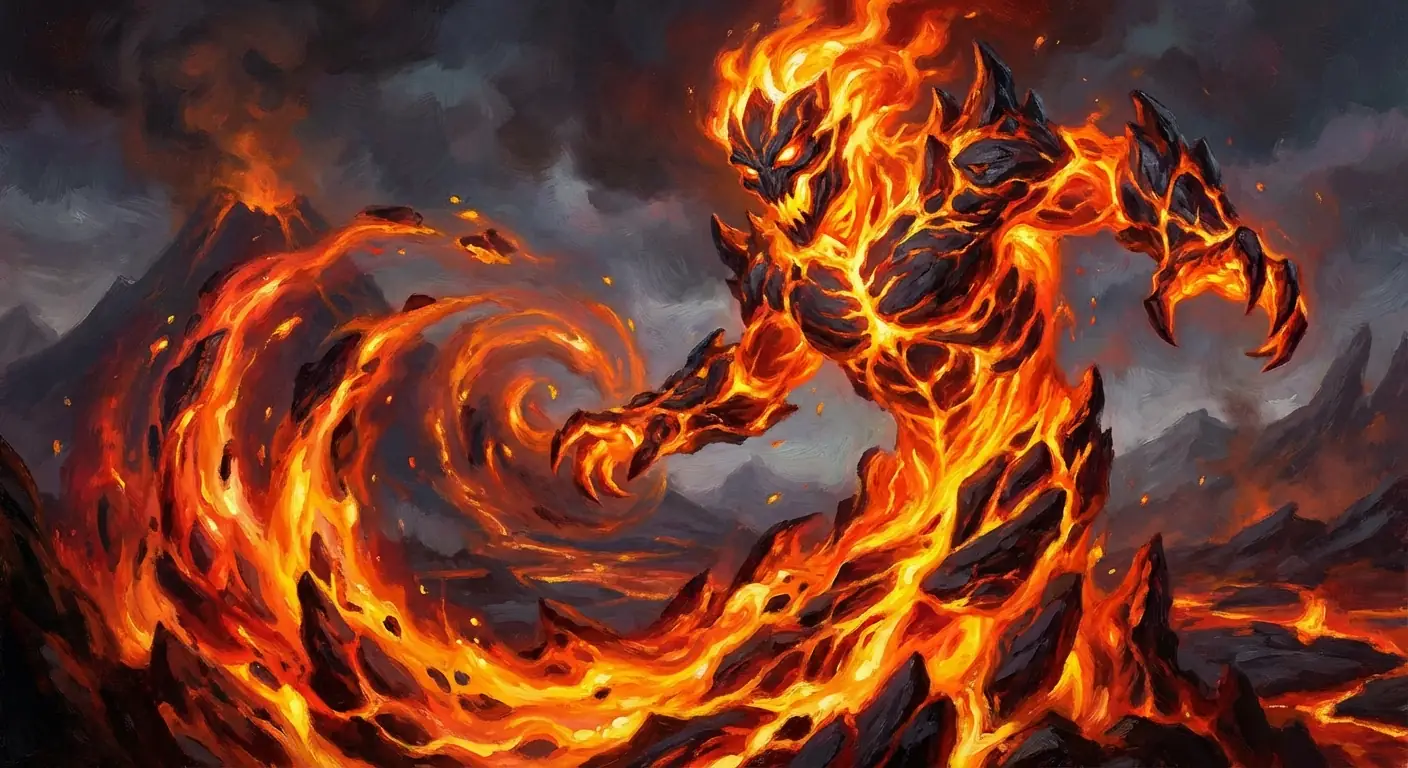
Prompt:
"Task: Game Card Illustration Art.
Subject: A Fire Elemental Spirit consisting of magma and flames.
Composition: Full bleed, centered subject, action pose.
Style: High fantasy oil painting, Magic the Gathering art style.
Constraint: No text, no borders, no UI elements. Pure artwork for a card crop."
전문가용 문제 해결 팁
- If you see "Text":
AddNegative Prompt: text, typography, letters, watermark, labelsto the end. Unless you are specifically making UI buttons, don't let the AI generate text, as game engine text is usually rendered dynamically. - If you see "Perspective Distortion":
Use keywords likeOrthographic vieworFlat 2D. This is crucial for textures and UI. - If you need "Transparent Backgrounds":
While Nano Banana Pro's transparency generation is improving, emphasizingIsolated on solid black backgroundorSolid green backgroundin the prompt makes it very easy to remove via Magic Wand in Photoshop.