5 Essential Game Asset Prompt Strategies for Developers
Why Context Matters in Game Asset Generation
Nano Banana (Gemini 3 Pro) utilizes a "Brain + Hand" architecture, combining logical reasoning with high-fidelity rendering. However, if your prompt lacks specific technical constraints like "Game Asset", "UI Element", or "Sprite", the model often defaults to creating "Concept Illustration" or "Movie Posters." These images, while beautiful, are often unusable directly in a game engine.
To ensure the output is "Ready-to-Use" Game Development Material, we must inject "Asset Constraints" into our prompts.
Here are 5 reconstructed Game Asset Prompt Series, focusing on forcing the model to output functional components (e.g., transparent backgrounds, UI splits, texture maps, action frames).
Series 1: 2D Game UI Asset Kit
The Problem: Preventing AI from drawing "screenshots with scenery" and forcing it to generate "buttons and panels with backgrounds removed."
Core Keywords: Game UI Kit, Vector Asset, Isolated, Sprite Sheet.
1. Modular RPG Skill Icons

Prompt:
"Context: Generate a 2D Game UI Asset Pack for a mobile RPG.
Subject: A set of 4 square skill icons arranged in a grid.
Items:
1.  Fireball (Red flame icon)
2.  Ice Shield (Blue crystal shield)
3.  Heal (Green cross with leaves)
4.  Sword Slash (White motion trail)
Style: Hand-painted vector game art, Supercell style, glossy finish, rounded corners.
Technical: Isolated on solid black background for easy cropping. High contrast, readable at small sizes (mobile screen)."
2. Victory Modal Panel

Prompt:
"Type: Game Interface Asset (GUI).
Subject: A 'Level Complete' popup window frame.
Design: Ornate gold border with three empty star slots at the top. The center area is a semi-transparent dark parchment texture for text overlay.
Buttons: Include a green 'Next Level' button and a red 'Exit' button at the bottom of the frame.
Constraint: Flat 2D view, no perspective distortion, isolated on white background. Ready for Unity UI splicing."
Series 2: Pixel Art Sprite Sheets
The Problem: Preventing AI from drawing a static illustration and forcing it to generate "action sequence frames."
Core Keywords: Sprite Sheet, Animation Frames, Grid View.
1. Character Walk Cycle

Prompt:
"Task: Create a Game Sprite Sheet for a 2D side-scroller.
Character: A 16-bit pixel art knight in silver armor.
Action: A 6-frame walking animation cycle displayed in a horizontal row.
Details:
*   Frame 1-6: Show slight leg and arm movement variations to simulate running.
*   Side view (Profile).
Tech Specs: Uniform grid layout, clean pixel edges, transparent background, SNES aesthetic. No anti-aliasing."
2. Item Drop Sprites
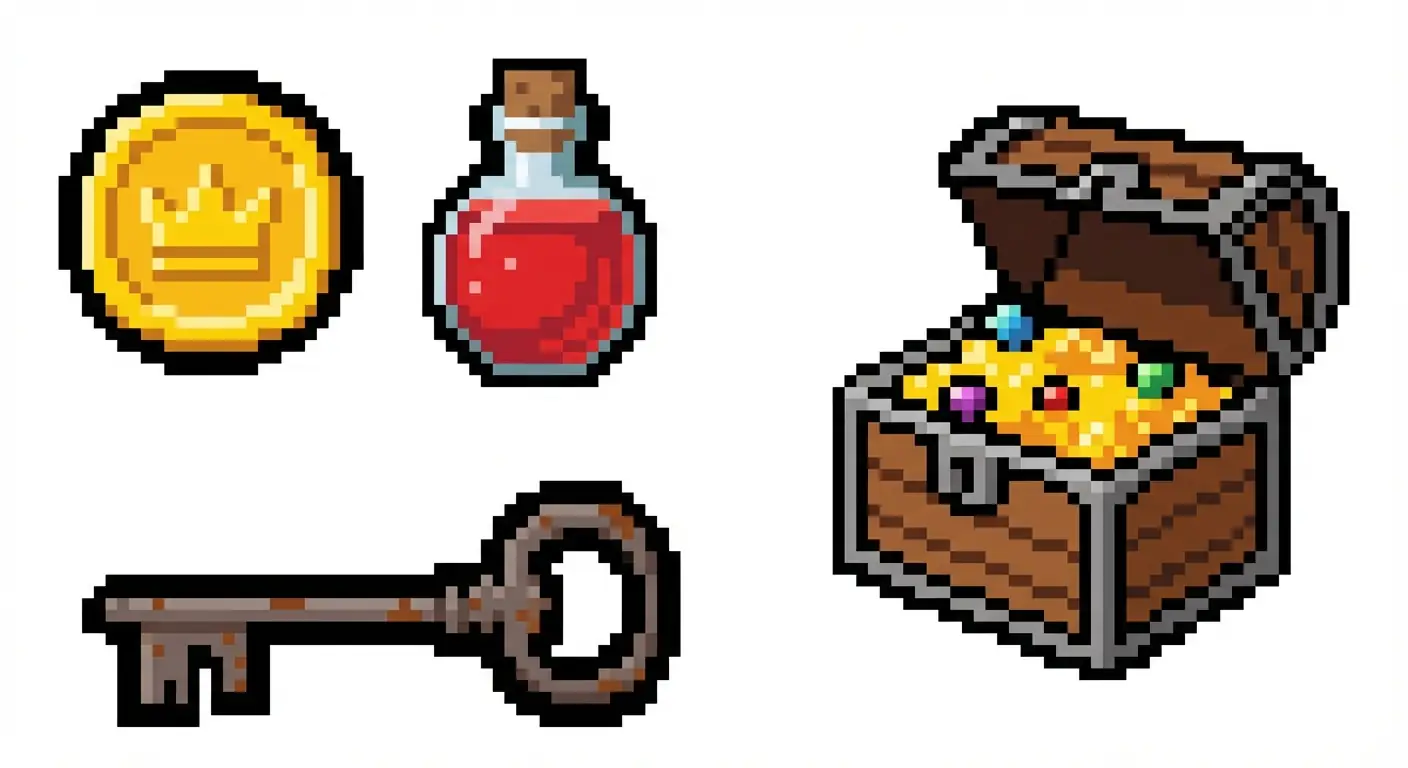
Prompt:
"Type: Pixel Art Game Assets.
Subject: A collection of looting items scattered on a sheet.
Items: A gold coin, a red potion, a rusty key, and a treasure chest.
Style: 8-bit retro style, thick black outlines (for visibility against game backgrounds).
Layout: Items are separated and isolated on a white background, not overlapping. Ready to be cropped."
Series 3: 3D Game Textures & Materials (PBR)
The Problem: Preventing AI from drawing "photos" with perspective and forcing it to generate "seamless tiling textures."
Core Keywords: Seamless Texture, Top-down view, Material Map.
1. Seamless Dungeon Floor

Prompt:
"Asset Type: Seamless Tiling Texture for a 3D game environment.
Subject: Cracked stone dungeon floor tiles.
Details: Ancient grey stones with moss in the crevices.
View: Direct top-down (Orthographic), flat lighting (no heavy shadows to allow tiling).
Quality: 4K texture resolution, photorealistic, Unreal Engine 5 asset style."
2. Stylized Hand-Painted Wood
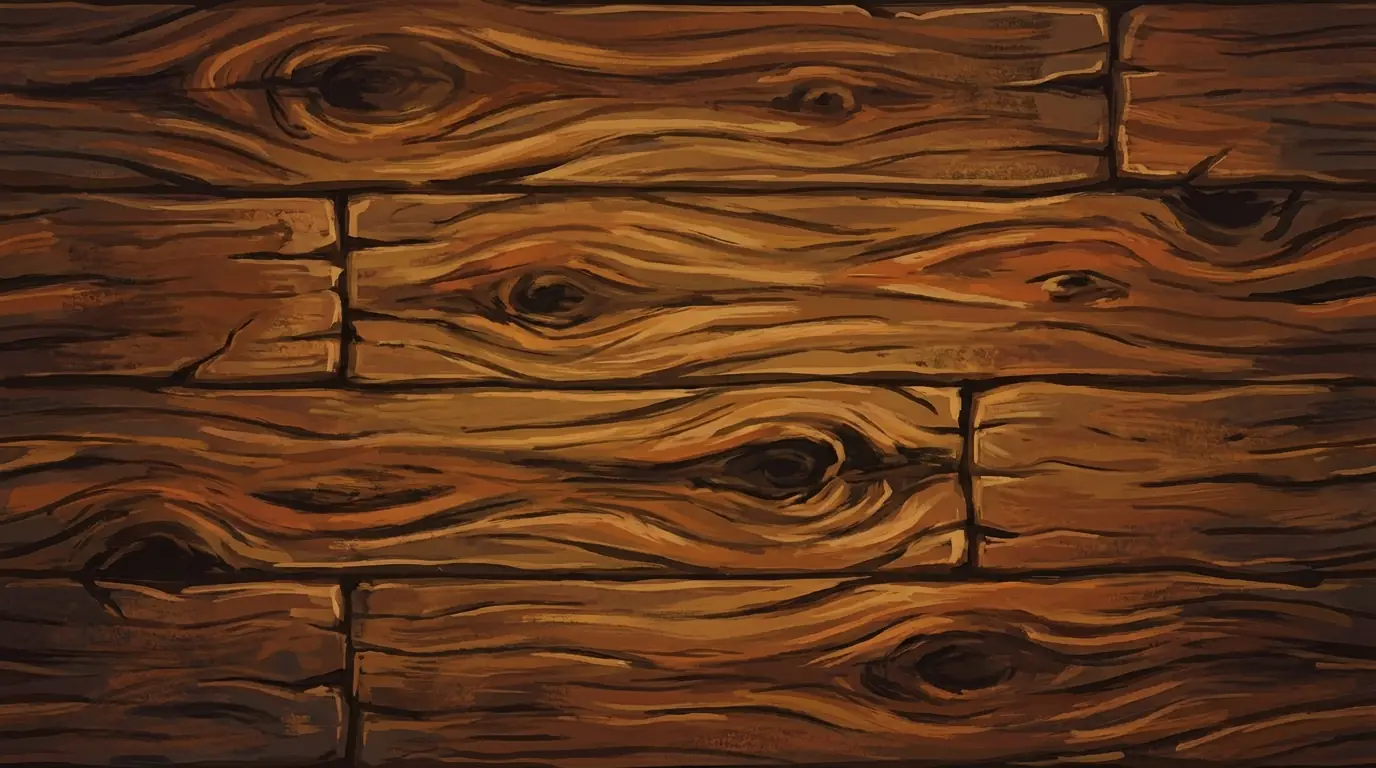
Prompt:
"Context: Texture Asset for a stylized game (like World of Warcraft).
Subject: Hand-painted wood plank texture.
Style: Exaggerated wood grain, bold colors, painterly brushstrokes.
Constraint: Texture map only, no 3D model, rectangular aspect ratio, seamless edges."
Series 4: Isometric Map Tiles
The Problem: Solving inconsistent perspective issues and forcing a locked "Isometric" view.
Core Keywords: Isometric Tile, Game Map Asset, No background.
1. Strategy Game Building Unit

Prompt:
"Task: Generate a 3D Isometric Game Asset.
Subject: A level 1 Archer Tower.
Material: Made of wood and stone, with a blue flag on top.
Perspective: Strict 45-degree isometric view.
Environment: Isolated on a pure white background (no ground shadow).
Style: Low-poly 3D render, clean colors, Clash of Clans art style."
2. Hexagonal Map Tile Set

Prompt:
"Type: Hexagonal Game Tiles for a civilization-style board game.
Content: Three separate hexagonal tiles.
Tile 1: Green forest.
Tile 2: Grey mountain.
Tile 3: Blue water.
View: Isometric, isolated objects, uniform lighting. Ready for game grid placement."
Series 5: TCG Asset Production
The Problem: Completely separating "Frame" and "Art" to prevent text and border merging.
Core Strategy: Using JSON format to enforce structural separation.
1. Empty Card Frame Asset

Prompt (JSON Mode):
{ "Asset_Type": "Game UI Overlay / Empty Card Frame", "Usage": "PNG asset for TCG game engine", "Style": "Dark Fantasy / Diablo Style", "Structure": { "Outer_Frame": "Rusted iron metal with spikes", "Center_Area": "TRANSPARENT or SOLID GREEN (for masking)", "Text_Box": "Empty parchment scroll at the bottom", "Gem_Slot": "Empty circular socket in top-left" }, "Constraint": "Do not generate character illustration. Only generate the UI frame. Flat view." }Note: This prompt forces the AI to act as a UI designer, drawing only the frame, not the painting.
2. Card Illustration Only
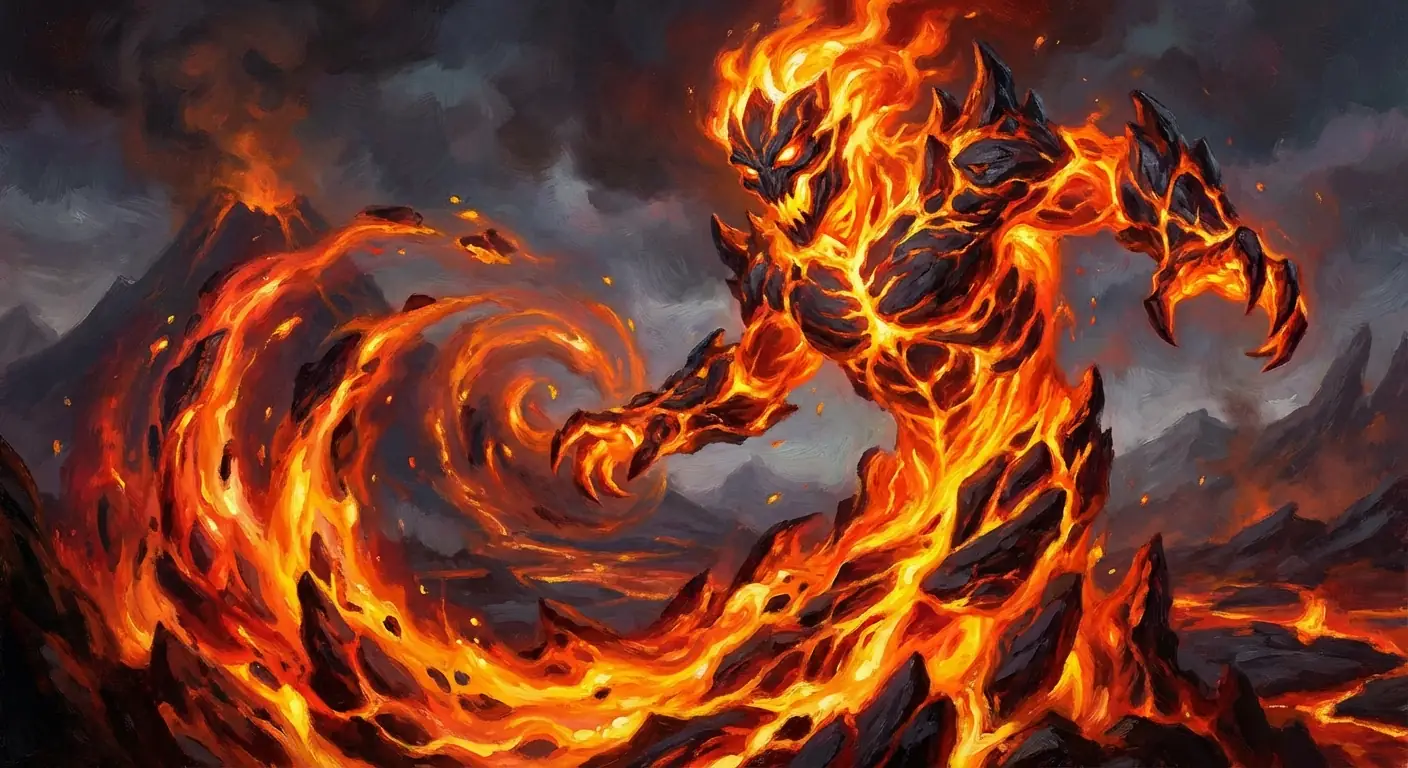
Prompt:
"Task: Game Card Illustration Art.
Subject: A Fire Elemental Spirit consisting of magma and flames.
Composition: Full bleed, centered subject, action pose.
Style: High fantasy oil painting, Magic the Gathering art style.
Constraint: No text, no borders, no UI elements. Pure artwork for a card crop."
Expert Troubleshooting Tips
- If you see "Text":
AddNegative Prompt: text, typography, letters, watermark, labelsto the end. Unless you are specifically making UI buttons, don't let the AI generate text, as game engine text is usually rendered dynamically. - If you see "Perspective Distortion":
Use keywords likeOrthographic vieworFlat 2D. This is crucial for textures and UI. - If you need "Transparent Backgrounds":
While Nano Banana Pro's transparency generation is improving, emphasizingIsolated on solid black backgroundorSolid green backgroundin the prompt makes it very easy to remove via Magic Wand in Photoshop.