AI for Filmmakers: Generate Cinematic Storyboards & Contact Sheets
Create consistent 9-panel shot lists covering wide angles to close-ups in seconds. The ultimate tool for directors and pre-visualization.
The Power of AI Pre-visualization

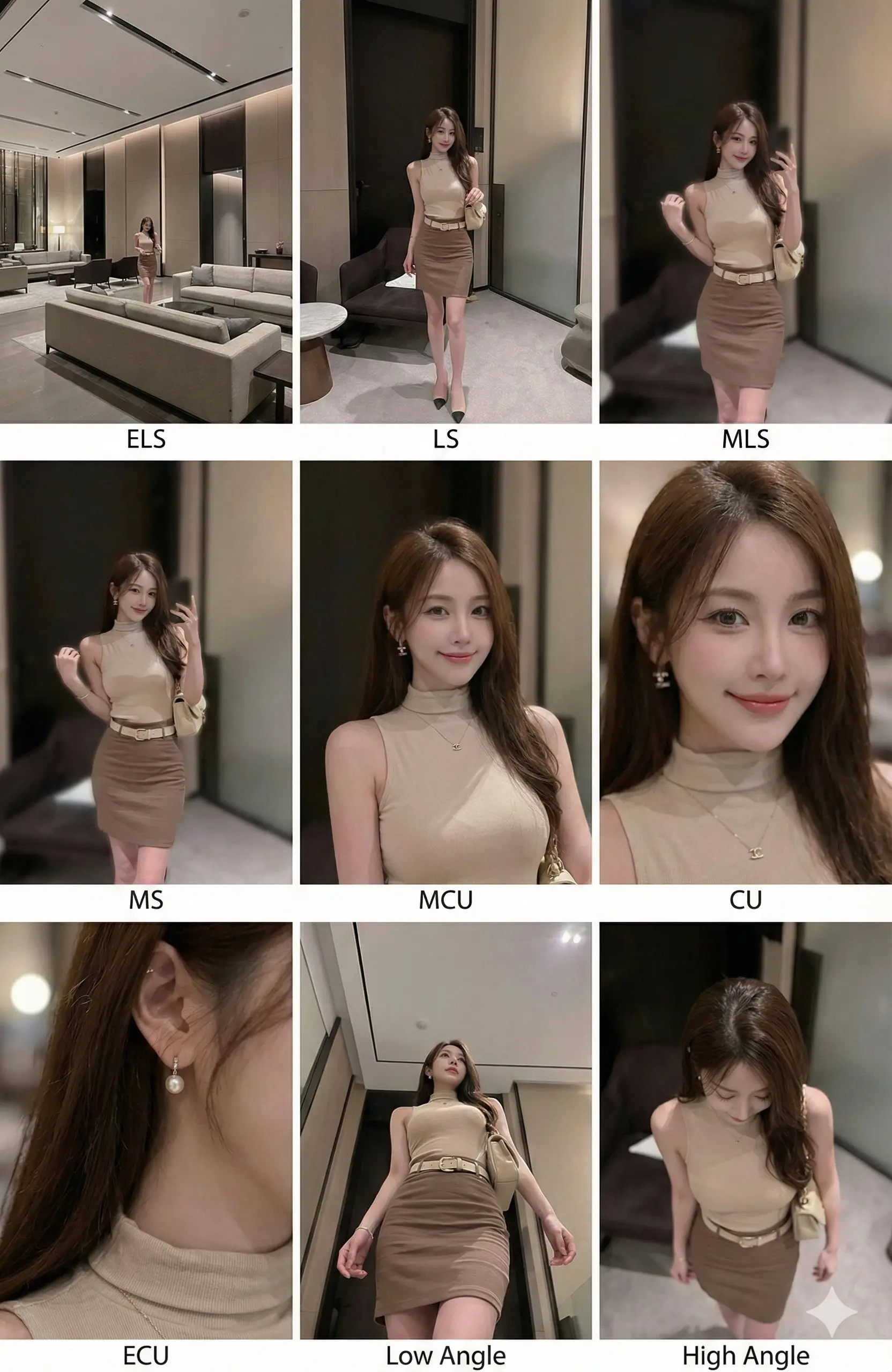
A 3x3 contact sheet demonstrating consistent character and lighting across 9 distinct cinematic shot types.
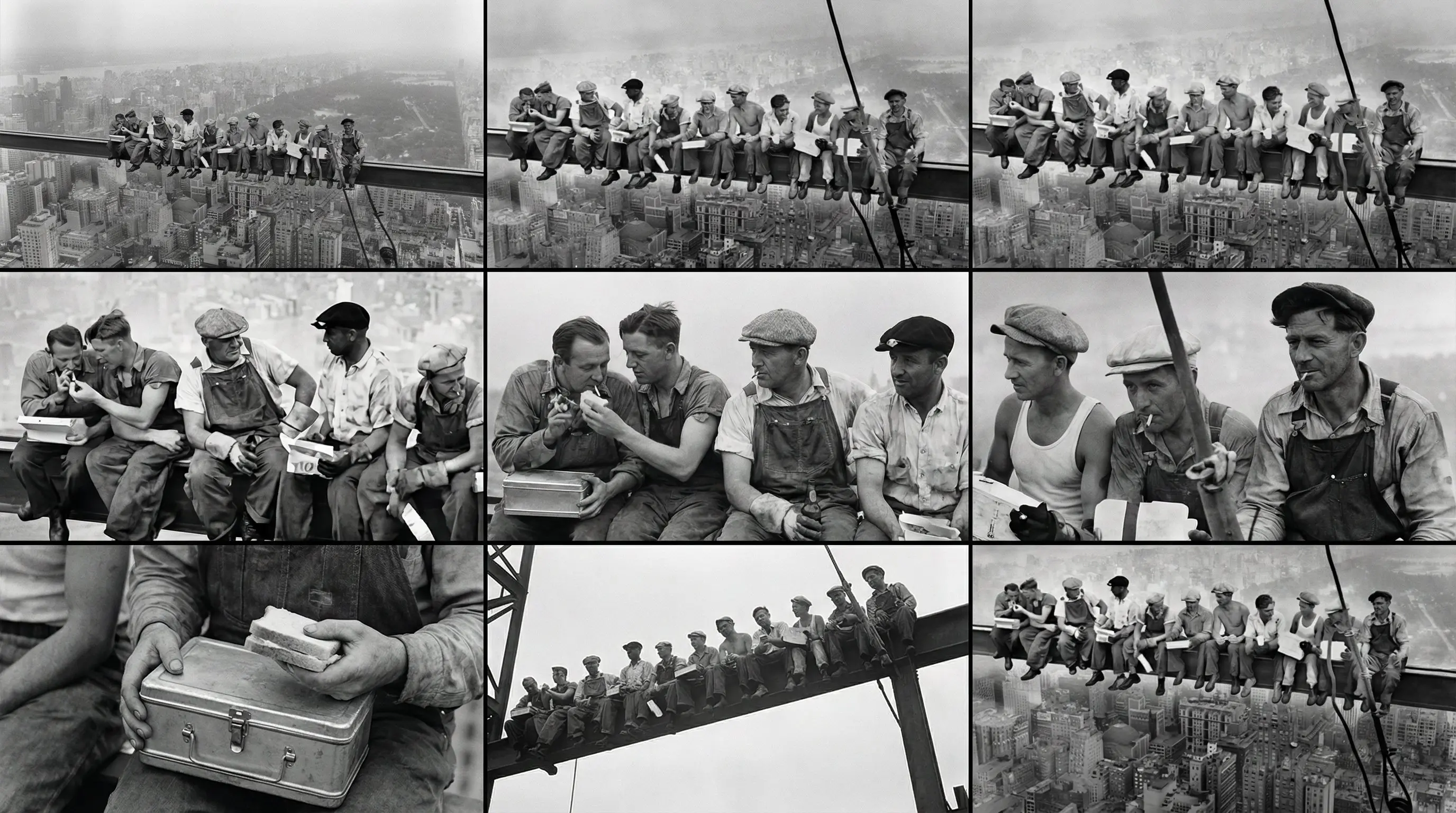
Example 2: Varying subject matter while maintaining consistent storyboard format.
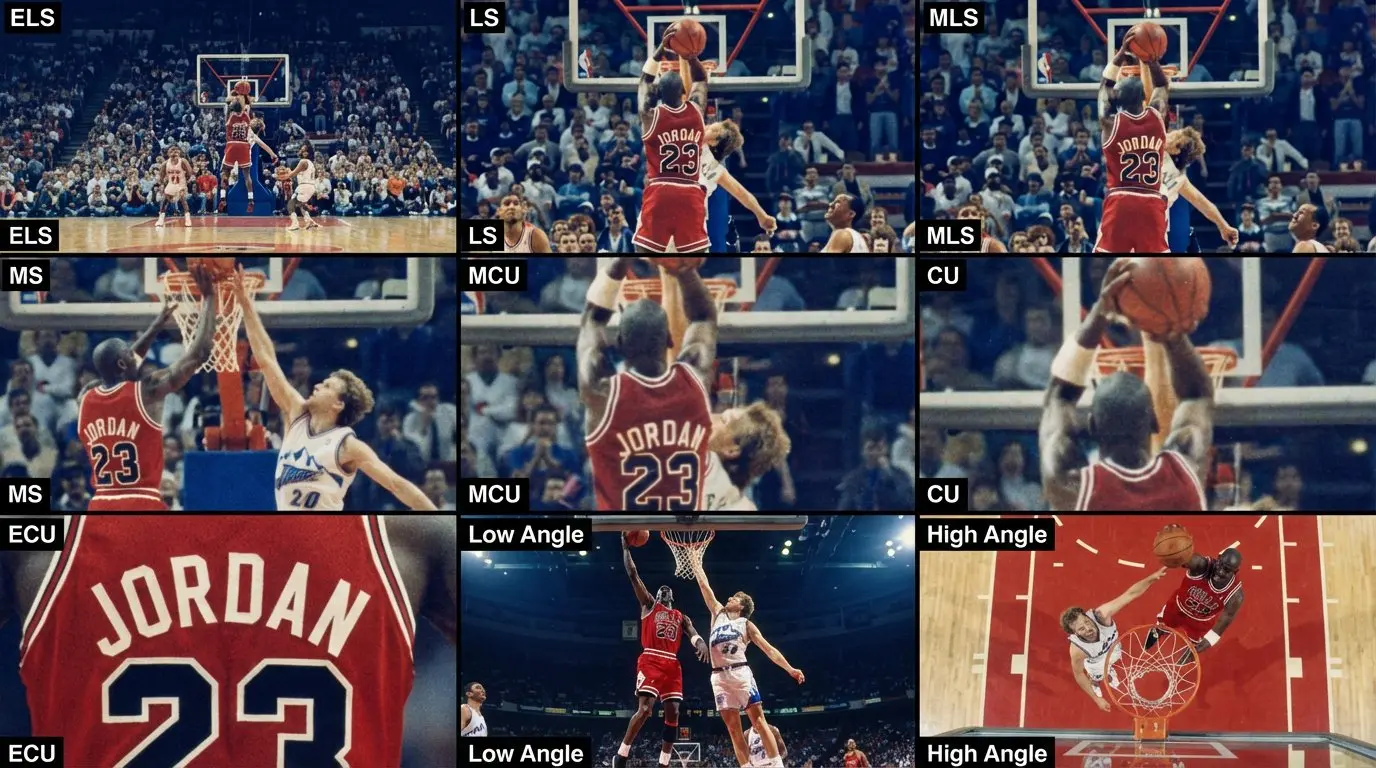
Example 3: Showcasing different stylistic interpretations for scene visualization.
Example 4: Demonstrating the prompt's versatility across various narrative themes.
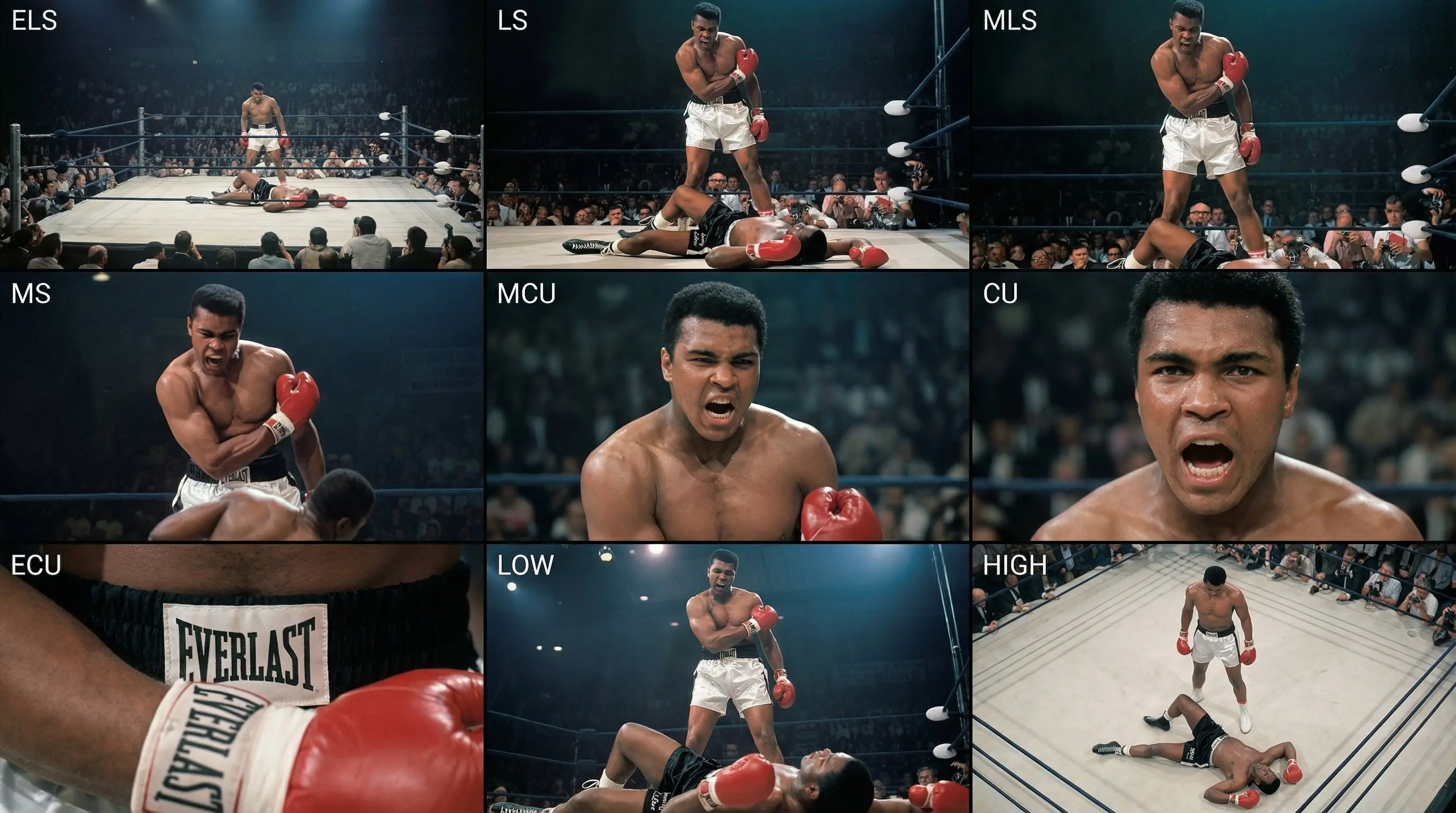
Example 5: Highlighting fine details and character emotions across different shots.
For filmmakers and photographers, pre-visualization ("previs") is often time-consuming. This prompt solves that by generating a professional "contact sheet" style layout that forces the AI to render the same subject in the same environment across 9 standard film shot types. It's like having an instant storyboard artist at your disposal.
The Prompt
What It Creates
This prompt uses structured instructions (XML tags) to guide the AI model into becoming a virtual Director of Photography. It breaks down a scene into a classic film school coverage pattern:
- 🎬 Row 1 (Establishing): Sets the scene with Extreme Long, Long, and Medium Long shots.
- 🎭 Row 2 (Character/Core): Focuses on performance with Medium, Medium Close-Up, and Close-Up shots.
- 🎥 Row 3 (Details & Texture): Adds visual interest with Extreme Close-Up, Low Angle, and High Angle shots.
- ✨ Consistency: The most powerful feature is the instruction to maintain "strict consistency" of clothing, lighting, and environment across all 9 panels.
How to Use This for Filmmaking
- Prepare Your Input: Have a reference image of your subject or scene ready. This works best with an image-to-image workflow or by describing your subject in detail alongside this prompt.
- Copy the Prompt: Use the full block above, including the
<instruction>tags. These tags help modern models (like Claude 3.5 or GPT-4o) understand the logical structure of the request. - Generate: Run the prompt. The AI will act as a layout engine, arranging the shots into a 3x3 grid.
- Crop & Slice: Once generated, you can crop individual panels to use in your actual storyboard deck or shot list presentation.
Why Filmmakers Need This
- Instant Shot Lists: Instead of writing out "MCU, CU, LS", see them visualized instantly.
- Pitch Decks: Create stunning visual assets for funding presentations that look like finished movie stills.
- Lighting References: Test how your lighting setup (e.g., "Cinematic teal and orange") looks across different focal lengths.
- Cost Effective: Save hours of sketching time or money hiring storyboard artists for early concept phases.
Pro Tips
- Change the Subject: You can replace "input image" references with specific text descriptions like "A cyberpunk detective in a rainy neon alley" to generate original concepts.
- Aspect Ratio: Ensure you generate in a square or near-square aspect ratio (1:1) to keep the 3x3 grid balanced, or use wider ratios (3:2) for wider individual panels.
- Style Transfer: Add specific film stocks or director styles (e.g., "shot on IMAX 70mm", "style of Wes Anderson") to the end of the prompt to flavor the entire storyboard.