🎯 Hunt for BP 5! AI Scouter Power Level Challenge
Remember "his power level is only 5"? Now you can scan ANY character! Challenge: Can you find a character with exactly BP 5?
📢 Share this challenge:
✨ Image will be automatically included when sharing
The Challenge: Find the Weakest!

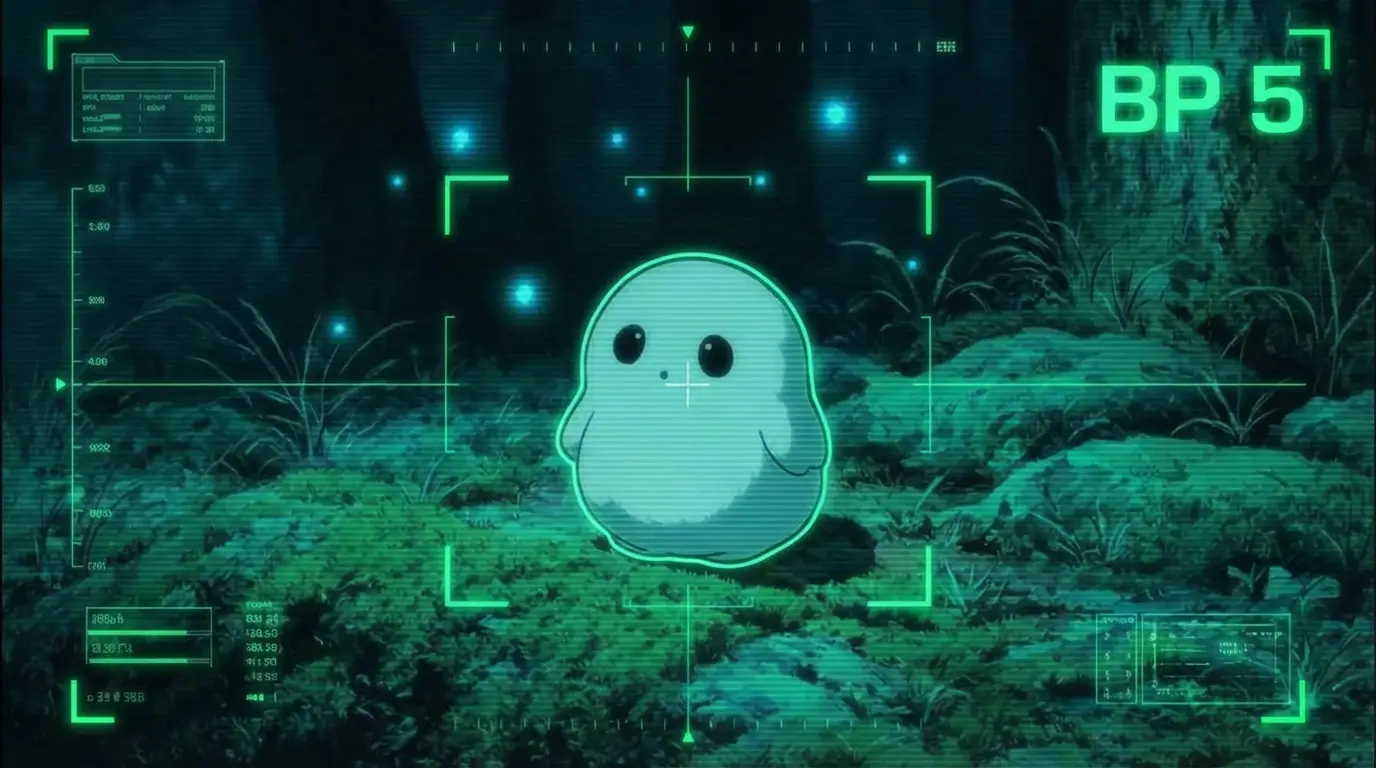
👻 BP 5! The legendary "power level 5" character! Can you find another?
Remember the iconic Dragon Ball scene? "His power level is only 5!" Now you can add scouter effects to ANY character with AI! This prompt adds a full-screen battle analysis HUD overlay including targeting brackets, grid lines, and most importantly — an AI-judged Battle Power score in the top-right corner!
🎮 Challenge Rules: Most characters will score thousands or millions of BP. But finding one with exactly BP 5? That's the ultimate flex! Share your discoveries on X/Twitter with #BP5Challenge!
Effect Gallery
Scouter Analysis Prompt
What This Prompt Creates
This prompt transforms any image into a Dragon Ball-style scouter analysis screen. The AI will:
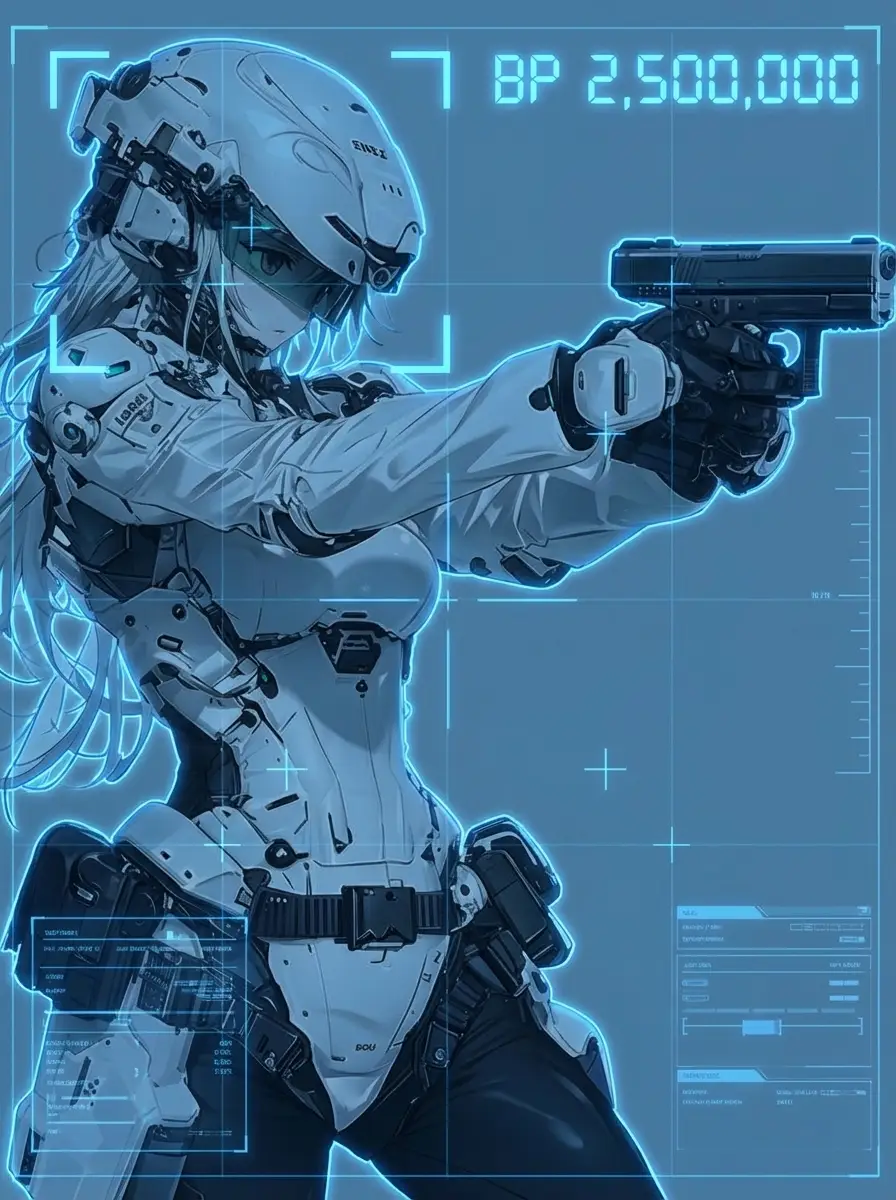
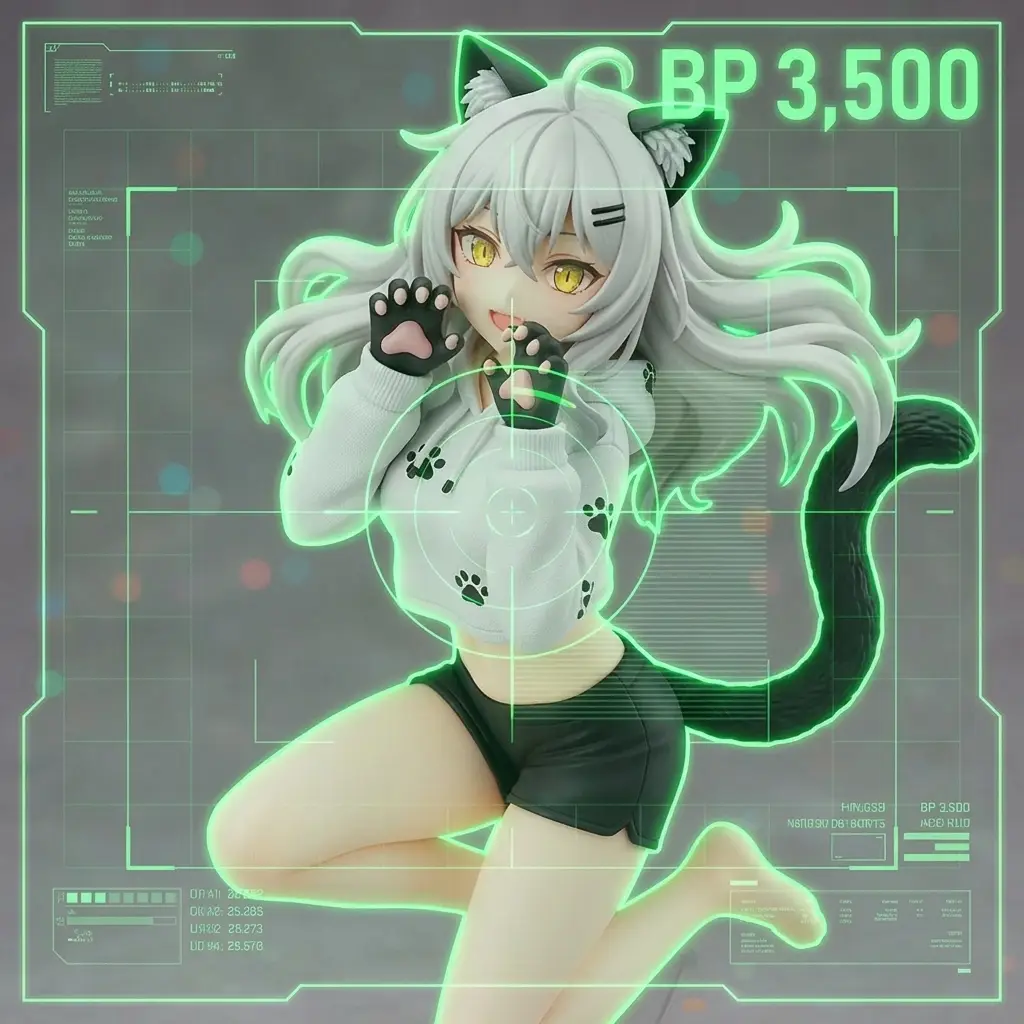
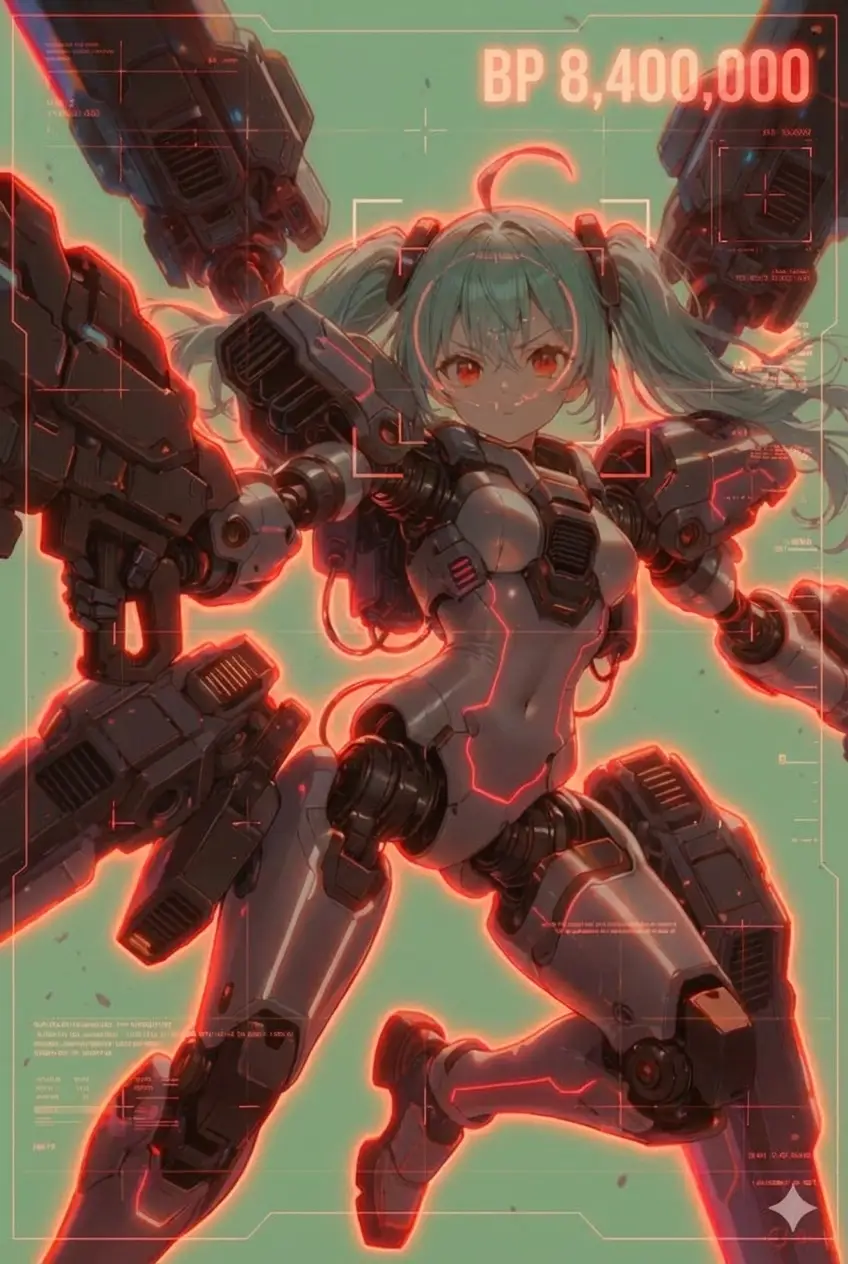
- Auto-Select HUD Color — Green for weak characters, blue for moderate, red for powerful ones. The AI judges based on the character's appearance!
- Add Full-Screen Scanner Overlay — Grid lines, targeting brackets, crosshairs, and numeric readouts create an authentic scouter viewing experience
- Draw Precise Character Outline — A glowing contour traces the character's silhouette like edge-detection, making them "locked on"
- Generate Battle Power Score — The AI analyzes the character's vibe and assigns a BP number. Cute ghost? BP 5. Master Chief? BP 2,500,000!
- Preserve Original Image — Your character's face, pose, and details stay intact — only the HUD overlay is added
How to Join the BP 5 Challenge
- Pick Your Target — Choose a character image you think might score low. Cute mascots, harmless NPCs, baby animals, or comedic characters are good candidates!
- Upload to AI — Use GPT-4o, Gemini 2.0, or any vision-capable AI. Paste the prompt and attach your image.
- Check the BP — Look at the top-right corner. Did you get BP 5? Or did your "weak" character surprise you with BP 50,000?
- Share Your Discovery — Found a BP 5? Post it on X/Twitter with #BP5Challenge! Found something hilariously overpowered? Share that too!
- Try Different Characters — The fun is in the hunt. Keep testing until you find the ultimate weakling!
Why This Prompt Goes Viral
- Instant Nostalgia — Dragon Ball fans immediately recognize the scouter aesthetic and "over 9000" meme energy
- Shareable Results — Every scan creates a unique, meme-worthy image perfect for social media
- Gamified Experience — The challenge to find BP 5 adds competitive fun that keeps people coming back
- Works on Anything — Anime characters, pets, selfies, celebrities, food... literally anything can be scanned
- AI Humor — The AI's "judgment" of power levels often creates hilarious surprises
Pro Tips for Finding BP 5
- Go Small & Cute — Tiny creatures, baby animals, and chibi characters have the best chance of scoring low
- Avoid Action Poses — Even a weak character in a battle stance might get boosted BP
- Try Inanimate Objects — A plushie, a slice of cake, or a rubber duck might just hit that BP 5 sweet spot
- Force Green HUD — Add "use green HUD" to the prompt if you want the AI to lean toward lower power readings
- Regenerate Multiple Times — AI results vary! The same image might get different BP scores on different runs