10 Plantillas de Diseño de Íconos UI y Badges: Produce Assets en Masa con Nano Banana
Nano Banana Game Design Series:
A UI designer's nightmare isn't drawing one beautiful icon, but drawing 50 consistent skill icons o ítems de inventario. Este tutorial convierte a Nano Banana en tu "Fábrica de Íconos". Usando "Array Grid" and "Style Anchoring" técnicas, podemos generar sets completos de íconos de habilidades RPG, ítems de inventario de alta calidad y badges de rango de una sola vez.
01. Lógica Central: El Meta Prompt
La clave para la generación de íconos es "Consistency" and "Isolation". Necesitamos forzar al modelo a seguir especificaciones de forma específicas (como rectángulos redondeados) y un fondo unificado.
Meta Prompt:
Prompt:
Create a set of [Number] Game/App Icons for [Theme].
Layout: Arranged in a strict Grid Layout (e.g., 4x4) with consistent spacing.
Frame: [Shape: Rounded Rectangle / Circle / Shield-shape].
Style: [Art Style: Skeuomorphic / Flat Vector / Neon / Pixel].
Background: Solid [Color] background for easy masking.
Content: High readability, strong silhouette, distinctive colors.
(Analysis: "Strict Grid Layout" es el núcleo de la producción en masa para evitar superposiciones. "Solid Background" ensures easy one-click masking in post-production.)
02. Deep Dive: 10 Selected UI Scenarios
1. RPG Elemental Magic Skill Icons

Prompt:
Create a set of RPG Elemental Magic Skill Icons containing 16 icons.
Layout: 4x4 grid arrangement.
Frame: Dark square tiles with ornate gold borders.
Style: Exquisite hand-painted digital art style, emphasizing magical Glow effects.
Content: Fireball, Ice Shard, Lightning Strike, Healing Light, Shield, Shadow Curse, Wind Blade, Meteor Shower, etc. Each icon has a distinct color theme.
- Analysis: Requisito típico de MMO/RPG. El contraste entre "Border" and "Internal Glow" los hace claramente visibles en la barra de UI.
2. Casual Match-3 Resource Icons

Prompt:
Create a set of Casual Match-3 Mobile Game Resource/Currency Icons.
Layout: 3x3 grid, pure white background.
Style: 3D render style, Juicy/Glossy jelly texture, high saturation, looking appetizing like candy.
Content: Gold coins (stacked), Pink diamonds, Energy bolts, Red heart lives, Bomb power-ups, Rainbow hammers, Infinite time hourglass.
- Analysis: El núcleo de los juegos casuales es "Juiciness". El prompt enfatiza reflejos y destellos para aumentar el deseo de clic.
3. FPS Kill Feed / HUD Icons

Prompt:
Create a set of FPS Shooter HUD Kill Feed Icons.
Layout: Horizontal or grid arrangement, pure black background.
Style: Minimalist Flat White Vector Silhouettes, no details, high readability.
Content: Assault rifle side profile, Sniper rifle, Grenade, Melee knife, Headshot skull symbol, Vehicle impact symbol, Fall damage symbol.
- Analysis: La clave es "Silhouette". Las siluetas blancas pueden colorearse fácilmente en el motor de juego, lo que convierte este en el formato de asset más práctico.
4. Sci-Fi Survival Status Icons
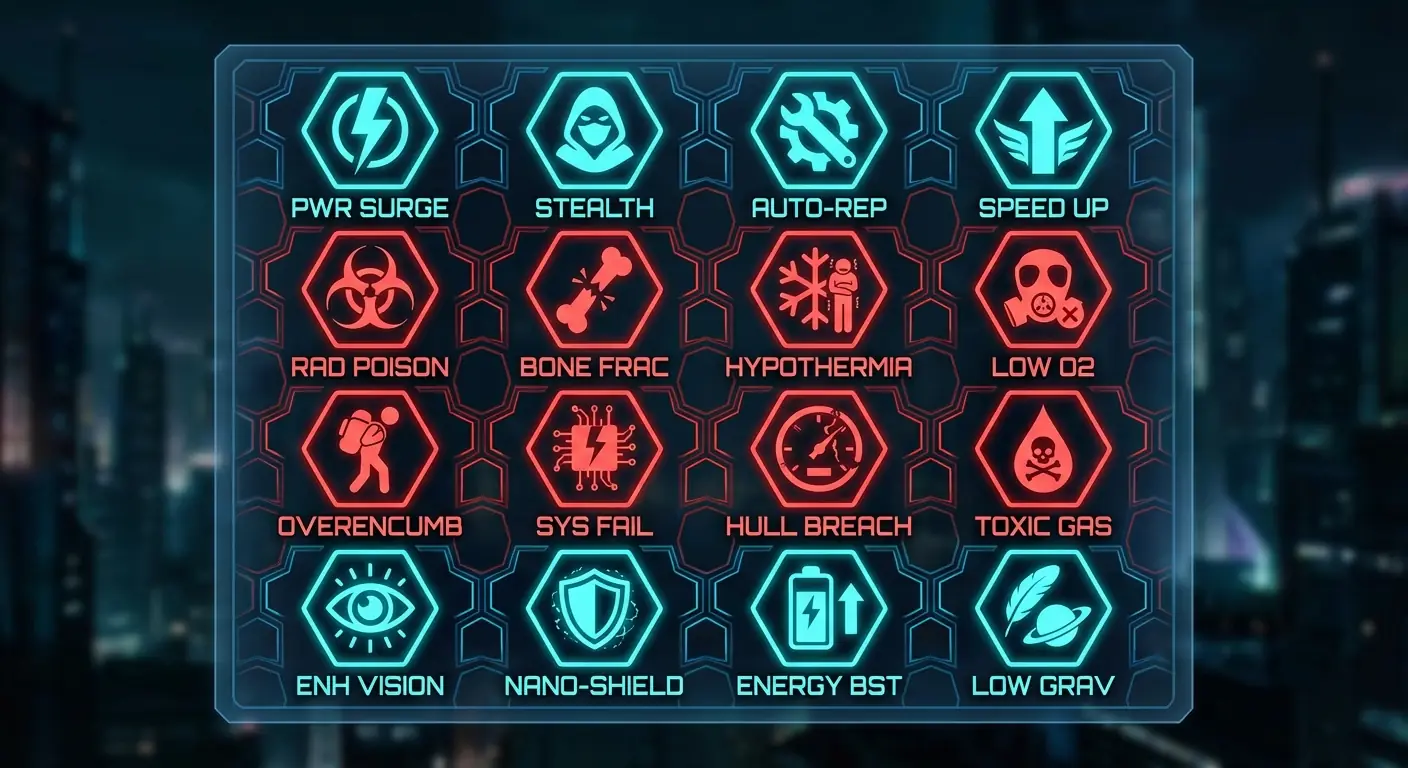
Prompt:
Create a set of Hardcore Sci-Fi Survival Status Effect Icons (Buffs/Debuffs).
Layout: 4x4 grid.
Style: Holographic HUD style, Cyan and Alert Red color scheme, translucent tech vibe.
Shape: Hexagonal honeycomb borders.
Content: Radiation poisoning (Biohazard symbol), Low gravity, Low oxygen, Hypothermia (Snowflake), Bone fracture, Overencumbered, Stealth mode.
- Analysis: La UI Sci-Fi es inseparable de "Hexagons" and "Holographic Colors". Adecuado para pantallas en esquinas.
5. Realistic Inventory Food Icons

Prompt:
Create a set of Realistic Survival Inventory Food Icons.
Layout: Grid arrangement, grey background.
Style: Hyper-realistic Skeuomorphic, detailed textures, looking edible.
Content: Rusty spam can (half open), Moldy bread, Clean water bottle, Roasted rabbit leg, Red apple, Pack of compressed biscuits.
- Analysis: Los juegos estilo Tarkov o DayZ necesitan estos "Gritty" yet realistic icons to enhance immersion.
6. Ranked Tier Badges
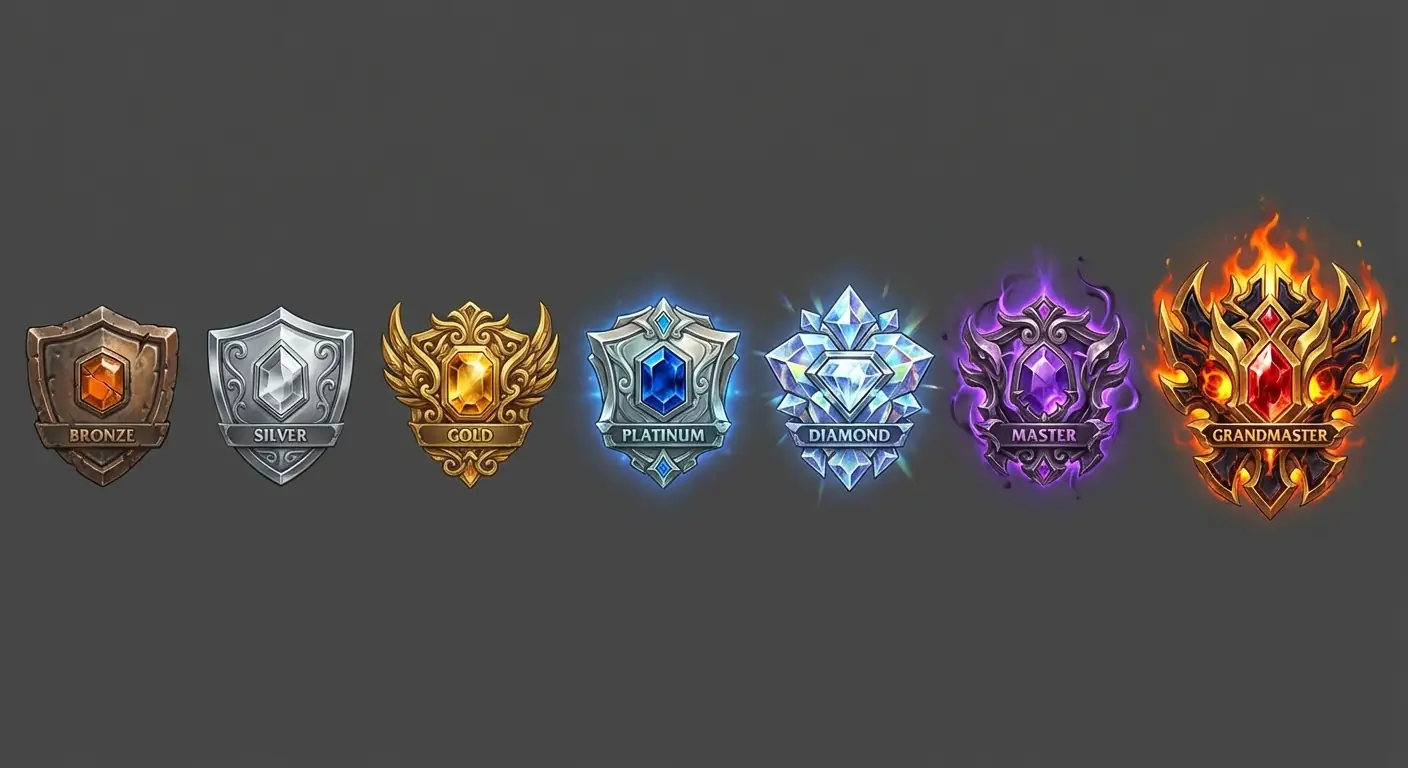
Prompt:
Create a set of Competitive Ranked Tier Badges, showing evolution from low to high.
Layout: Horizontal arrangement, total 7 badges.
Style: Metallic embossed style with gem inlays.
Content: Bronze (rough), Silver (polished), Gold (ornate), Platinum (with sapphire), Diamond (crystalline), Master (purple aura), Grandmaster (fiery complex crest).
- Analysis: El desafío en el diseño de badges es "Hierarchy". Definir valor a través del material (Rugoso -> Cristalino) y efectos (Ninguno -> Llameante).
7. Modern iOS Tab Bar Icons
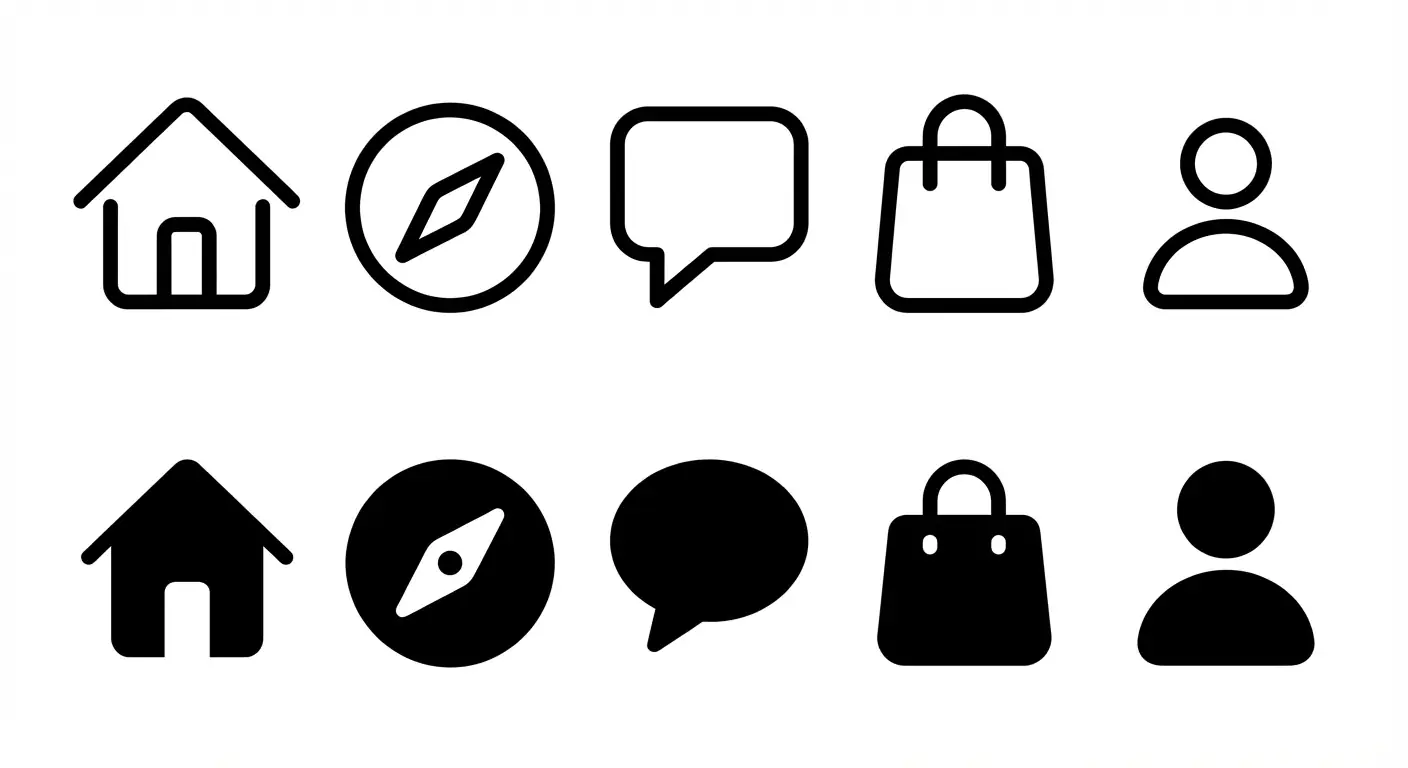
Prompt:
Create a set of Modern iOS style App Tab Bar Icons.
Layout: Two rows: Top row is Line icons (Outlined), Bottom row is Filled icons (Active state) of the same content.
Style: Apple SF Symbols style, rounded strokes, minimalist, monochrome black.
Content: Home (House), Discover (Compass), Message (Bubble), Cart (Bag), Profile (Person).
- Analysis: Los diseñadores UI necesitan no solo íconos, sino pares de "Active" vs. "Inactive" states.
8. TCG Attribute Symbols

Prompt:
Create a set of TCG (Trading Card Game) Attribute Symbol Icons.
Layout: Circular icon array, transparent background.
Style: Vector graphic design with simple gradients, similar to Hearthstone or MTG mana symbols.
Content: A Water drop (Blue), A Flame (Orange), A Leaf (Green), A Skull (Black), A Sun (Yellow), A Star (Colorless).
- Analysis: Abstract symbols require "High Legibility", asegurándote de que sean legibles incluso cuando se impriman pequeños en la esquina de una tarjeta.
9. Dark Fantasy Skill Tree Nodes

Prompt:
Create a set of Dark Fantasy Passive Talent Tree Icons.
Layout: Grid arrangement, dark grey background.
Shape: Circular borders, texture resembling stone or bone.
Style: Monochrome or Duotone, Etching / Engraving style.
Content: Strength Up (Muscular arm), Crit Chance (Eye), Life Steal (Bat), Move Speed (Boot), Resistance (Cracked shield).
- Analysis: Las habilidades pasivas suelen ser más sutiles que las activas. "Etching style" transmite la sensación de "Talentos Ancestrales".
10. Racing Sim Dashboard Lights
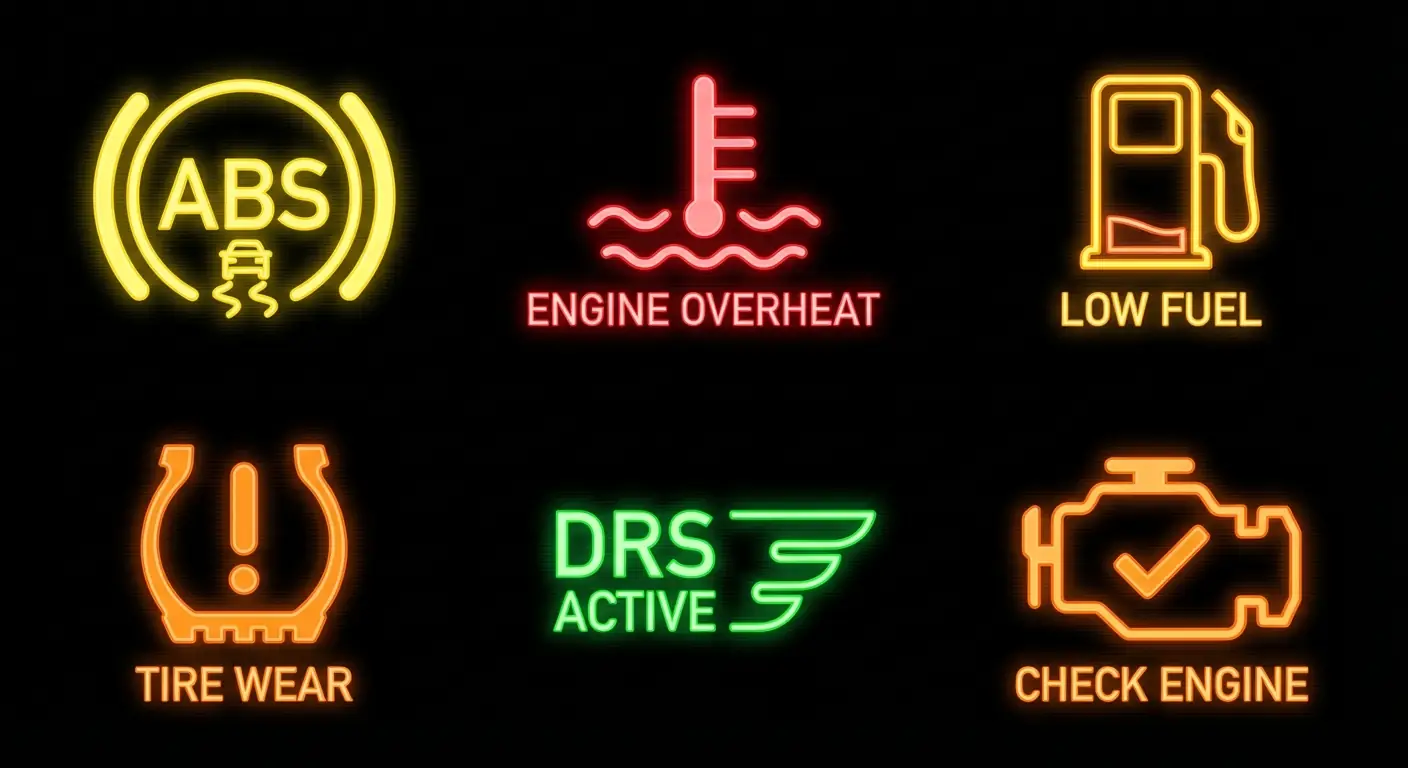
Prompt:
Create a set of Racing Sim Dashboard Warning Light Icons.
Layout: Grid arrangement, black background.
Style: Glowing Neon Vector style, high contrast.
Content: ABS Fault (Yellow), Engine Overheat (Red Thermometer), Low Fuel (Gas Pump), Tire Wear (Tire section), DRS Active (Green), Check Engine (Orange Engine outline).
- Analysis: Sim games need to replicate real industrial standard icons. "Glowing" es la palabra clave para simular iluminación LED.
03. Nano Banana Pro Tips
No Text:
Never include text inside UI icons (like "LV.1", "NEW"). AI generated text is usually unusable here.- Tip: Agrega el texto después en PS/Figma. Deja que la IA se enfoque en los gráficos.
Border Consistency:
A veces la IA agrega marcos a algunos íconos pero no a otros.- Tip: Explicitly specify "Forma uniforme y estilo de borde consistente" or "Borderless" en el prompt.
Color Correction:
Si un ícono en un conjunto tiene el color incorrecto (por ejemplo, una bola de fuego verde).- Tip: No redibuje toda la imagen. Usa la función de Nano Banana's Inpainting para corregir solo ese ícono específico.