10 UI Icon & Badge Design Templates: Mass Produce Assets with Nano Banana
Nano Banana Game Design Series:
A UI designer's nightmare isn't drawing one beautiful icon, but drawing 50 consistent skill icons or inventory items. This tutorial turns Nano Banana into your "Icon Factory". Using "Array Grid" and "Style Anchoring" techniques, we can generate full sets of RPG skill icons, high-quality inventory items, and ranked badges in one go.
01. Core Logic: The Meta Prompt
The key to icon generation is "Consistency" and "Isolation". We need to force the model to follow specific shape specifications (like rounded rectangles) and a unified background.
Meta Prompt:
Prompt:
Create a set of [Number] Game/App Icons for [Theme].
Layout: Arranged in a strict Grid Layout (e.g., 4x4) with consistent spacing.
Frame: [Shape: Rounded Rectangle / Circle / Shield-shape].
Style: [Art Style: Skeuomorphic / Flat Vector / Neon / Pixel].
Background: Solid [Color] background for easy masking.
Content: High readability, strong silhouette, distinctive colors.
(Analysis: "Strict Grid Layout" is the core of mass production to prevent overlapping. "Solid Background" ensures easy one-click masking in post-production.)
02. Deep Dive: 10 Selected UI Scenarios
1. RPG Elemental Magic Skill Icons

Prompt:
Create a set of RPG Elemental Magic Skill Icons containing 16 icons.
Layout: 4x4 grid arrangement.
Frame: Dark square tiles with ornate gold borders.
Style: Exquisite hand-painted digital art style, emphasizing magical Glow effects.
Content: Fireball, Ice Shard, Lightning Strike, Healing Light, Shield, Shadow Curse, Wind Blade, Meteor Shower, etc. Each icon has a distinct color theme.
- Analysis: Typical MMO/RPG requirement. The contrast between "Border" and "Internal Glow" makes them clearly visible in the UI bar.
2. Casual Match-3 Resource Icons

Prompt:
Create a set of Casual Match-3 Mobile Game Resource/Currency Icons.
Layout: 3x3 grid, pure white background.
Style: 3D render style, Juicy/Glossy jelly texture, high saturation, looking appetizing like candy.
Content: Gold coins (stacked), Pink diamonds, Energy bolts, Red heart lives, Bomb power-ups, Rainbow hammers, Infinite time hourglass.
- Analysis: The core of casual games is "Juiciness". The prompt emphasizes reflections and highlights to increase click desire.
3. FPS Kill Feed / HUD Icons

Prompt:
Create a set of FPS Shooter HUD Kill Feed Icons.
Layout: Horizontal or grid arrangement, pure black background.
Style: Minimalist Flat White Vector Silhouettes, no details, high readability.
Content: Assault rifle side profile, Sniper rifle, Grenade, Melee knife, Headshot skull symbol, Vehicle impact symbol, Fall damage symbol.
- Analysis: The key is "Silhouette". White silhouettes can be easily tinted in the game engine, making this the most practical asset format.
4. Sci-Fi Survival Status Icons
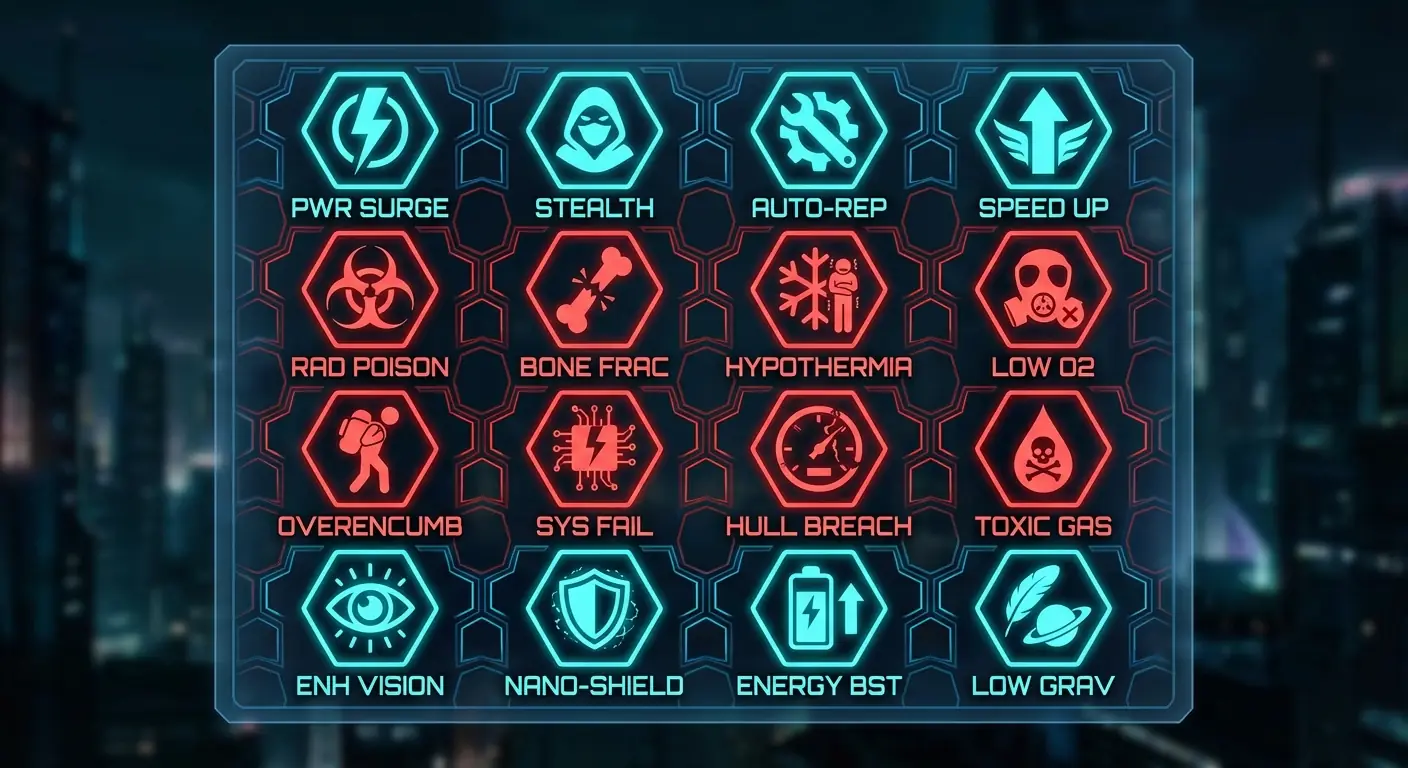
Prompt:
Create a set of Hardcore Sci-Fi Survival Status Effect Icons (Buffs/Debuffs).
Layout: 4x4 grid.
Style: Holographic HUD style, Cyan and Alert Red color scheme, translucent tech vibe.
Shape: Hexagonal honeycomb borders.
Content: Radiation poisoning (Biohazard symbol), Low gravity, Low oxygen, Hypothermia (Snowflake), Bone fracture, Overencumbered, Stealth mode.
- Analysis: Sci-Fi UI is inseparable from "Hexagons" and "Holographic Colors". Suitable for corner screen displays.
5. Realistic Inventory Food Icons

Prompt:
Create a set of Realistic Survival Inventory Food Icons.
Layout: Grid arrangement, grey background.
Style: Hyper-realistic Skeuomorphic, detailed textures, looking edible.
Content: Rusty spam can (half open), Moldy bread, Clean water bottle, Roasted rabbit leg, Red apple, Pack of compressed biscuits.
- Analysis: Tarkov or DayZ-style games need these "Gritty" yet realistic icons to enhance immersion.
6. Ranked Tier Badges
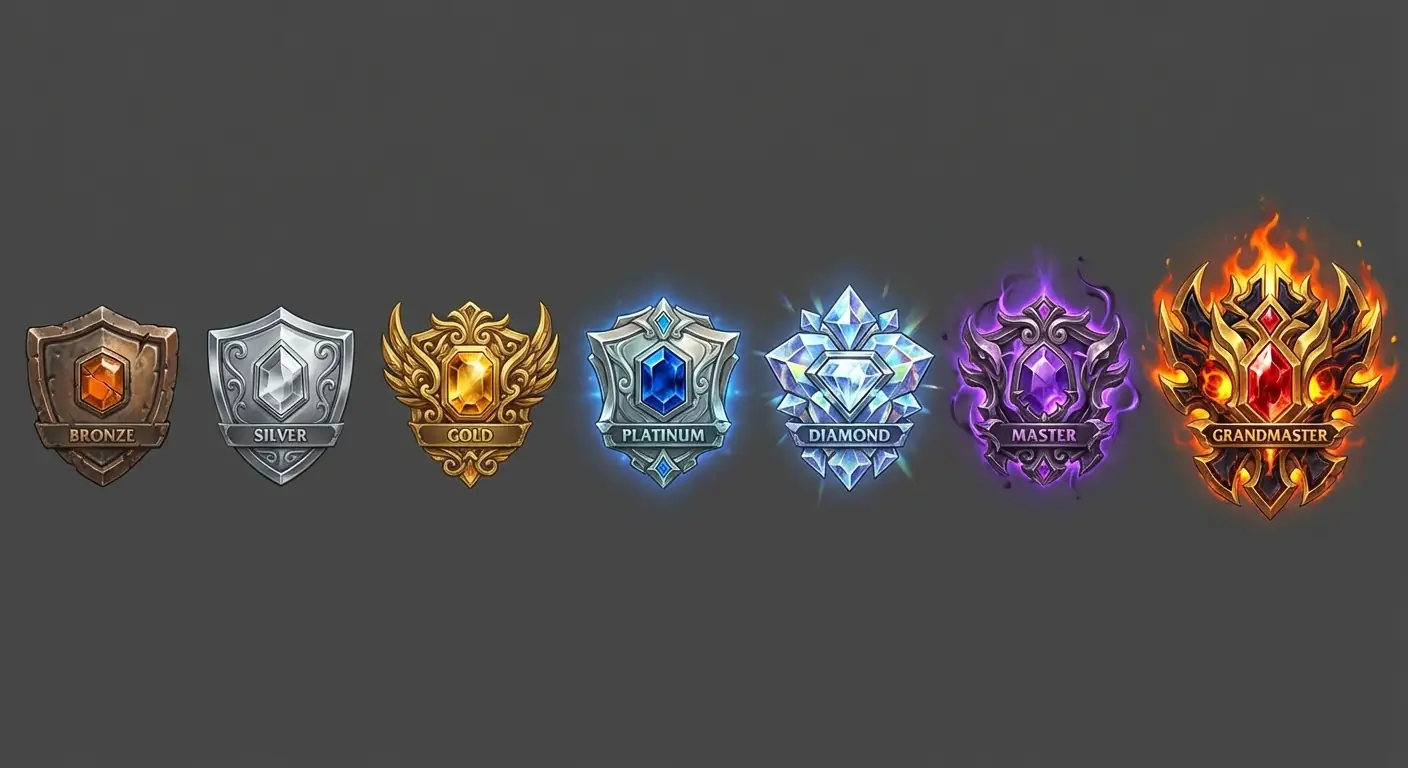
Prompt:
Create a set of Competitive Ranked Tier Badges, showing evolution from low to high.
Layout: Horizontal arrangement, total 7 badges.
Style: Metallic embossed style with gem inlays.
Content: Bronze (rough), Silver (polished), Gold (ornate), Platinum (with sapphire), Diamond (crystalline), Master (purple aura), Grandmaster (fiery complex crest).
- Analysis: The challenge in badge design is "Hierarchy". Defining value through material (Rough -> Crystalline) and effects (None -> Fiery).
7. Modern iOS Tab Bar Icons
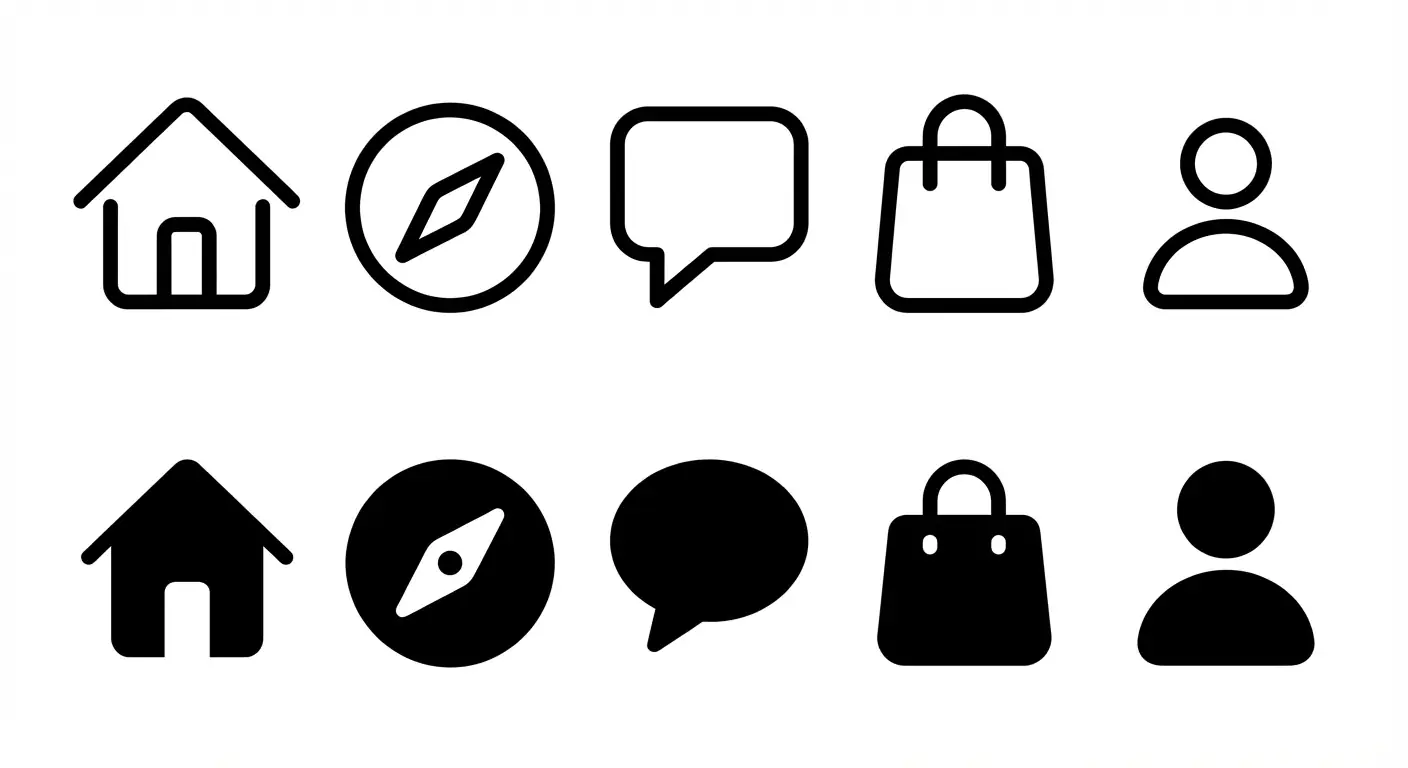
Prompt:
Create a set of Modern iOS style App Tab Bar Icons.
Layout: Two rows: Top row is Line icons (Outlined), Bottom row is Filled icons (Active state) of the same content.
Style: Apple SF Symbols style, rounded strokes, minimalist, monochrome black.
Content: Home (House), Discover (Compass), Message (Bubble), Cart (Bag), Profile (Person).
- Analysis: UI designers need not just icons, but pairs of "Active" vs. "Inactive" states.
8. TCG Attribute Symbols

Prompt:
Create a set of TCG (Trading Card Game) Attribute Symbol Icons.
Layout: Circular icon array, transparent background.
Style: Vector graphic design with simple gradients, similar to Hearthstone or MTG mana symbols.
Content: A Water drop (Blue), A Flame (Orange), A Leaf (Green), A Skull (Black), A Sun (Yellow), A Star (Colorless).
- Analysis: Abstract symbols require "High Legibility", ensuring they are readable even when printed small on a card corner.
9. Dark Fantasy Skill Tree Nodes

Prompt:
Create a set of Dark Fantasy Passive Talent Tree Icons.
Layout: Grid arrangement, dark grey background.
Shape: Circular borders, texture resembling stone or bone.
Style: Monochrome or Duotone, Etching / Engraving style.
Content: Strength Up (Muscular arm), Crit Chance (Eye), Life Steal (Bat), Move Speed (Boot), Resistance (Cracked shield).
- Analysis: Passive skills are usually more subtle than active ones. "Etching style" conveys the feeling of "Ancient Talents".
10. Racing Sim Dashboard Lights
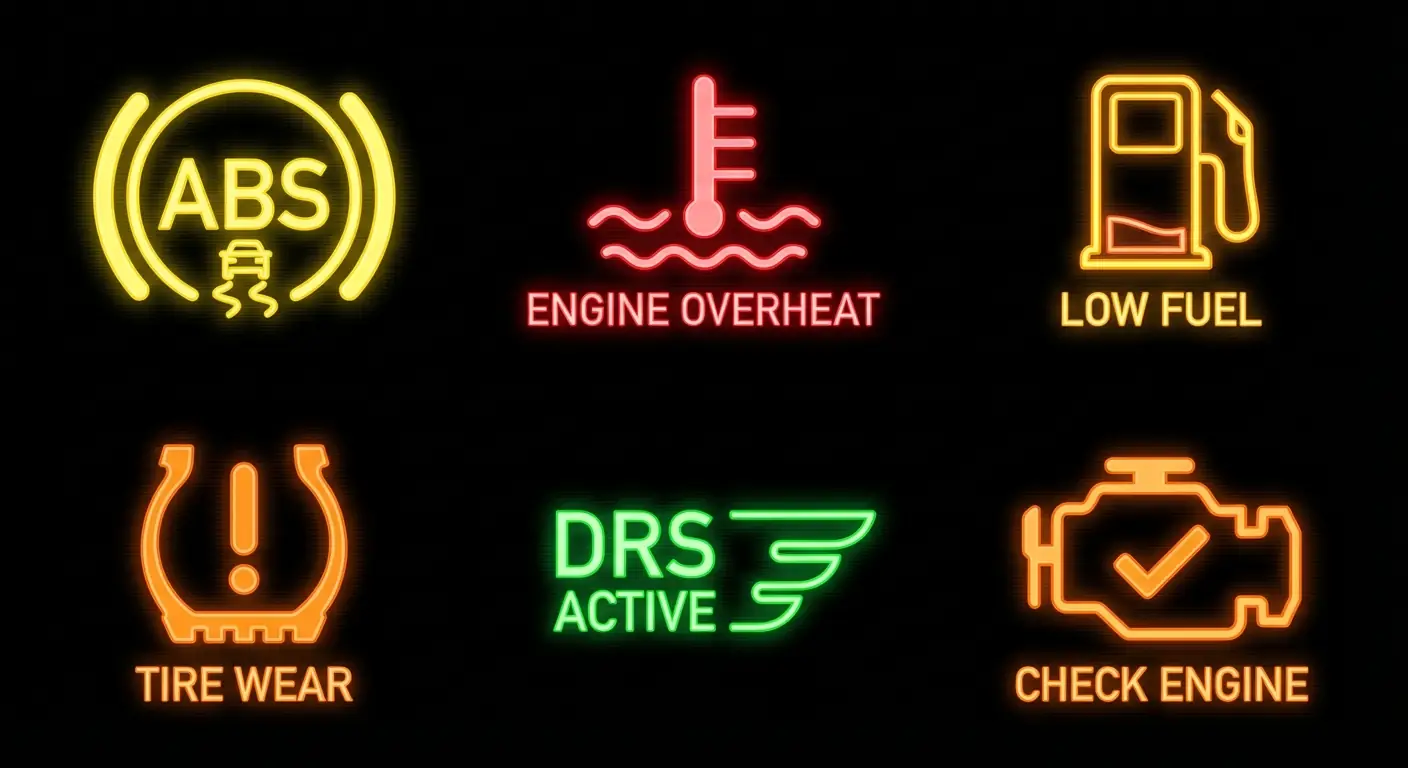
Prompt:
Create a set of Racing Sim Dashboard Warning Light Icons.
Layout: Grid arrangement, black background.
Style: Glowing Neon Vector style, high contrast.
Content: ABS Fault (Yellow), Engine Overheat (Red Thermometer), Low Fuel (Gas Pump), Tire Wear (Tire section), DRS Active (Green), Check Engine (Orange Engine outline).
- Analysis: Sim games need to replicate real industrial standard icons. "Glowing" is the keyword to simulate LED illumination.
03. Nano Banana Pro Tips
No Text:
Never include text inside UI icons (like "LV.1", "NEW"). AI generated text is usually unusable here.- Tip: Add text later in PS/Figma. Let AI focus on the graphics.
Border Consistency:
Sometimes AI adds frames to some icons but not others.- Tip: Explicitly specify "Uniform shape and border style" or "Borderless" in the prompt.
Color Correction:
If one icon in a set has the wrong color (e.g., a green fireball).- Tip: Don't redraw the whole image. Use Nano Banana's Inpainting feature to fix just that specific icon.