👤
GPT Image 2 Portrait Prompts
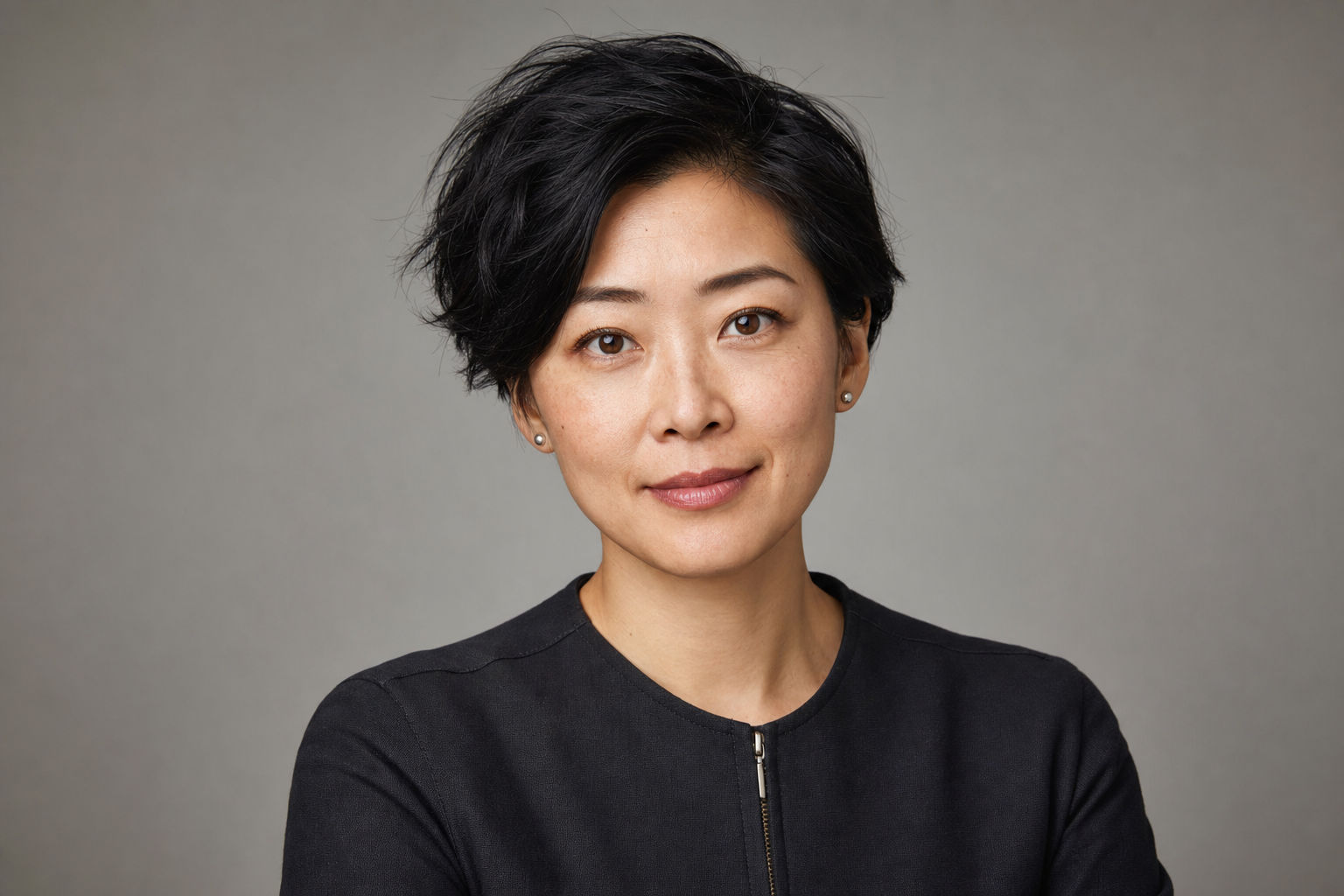
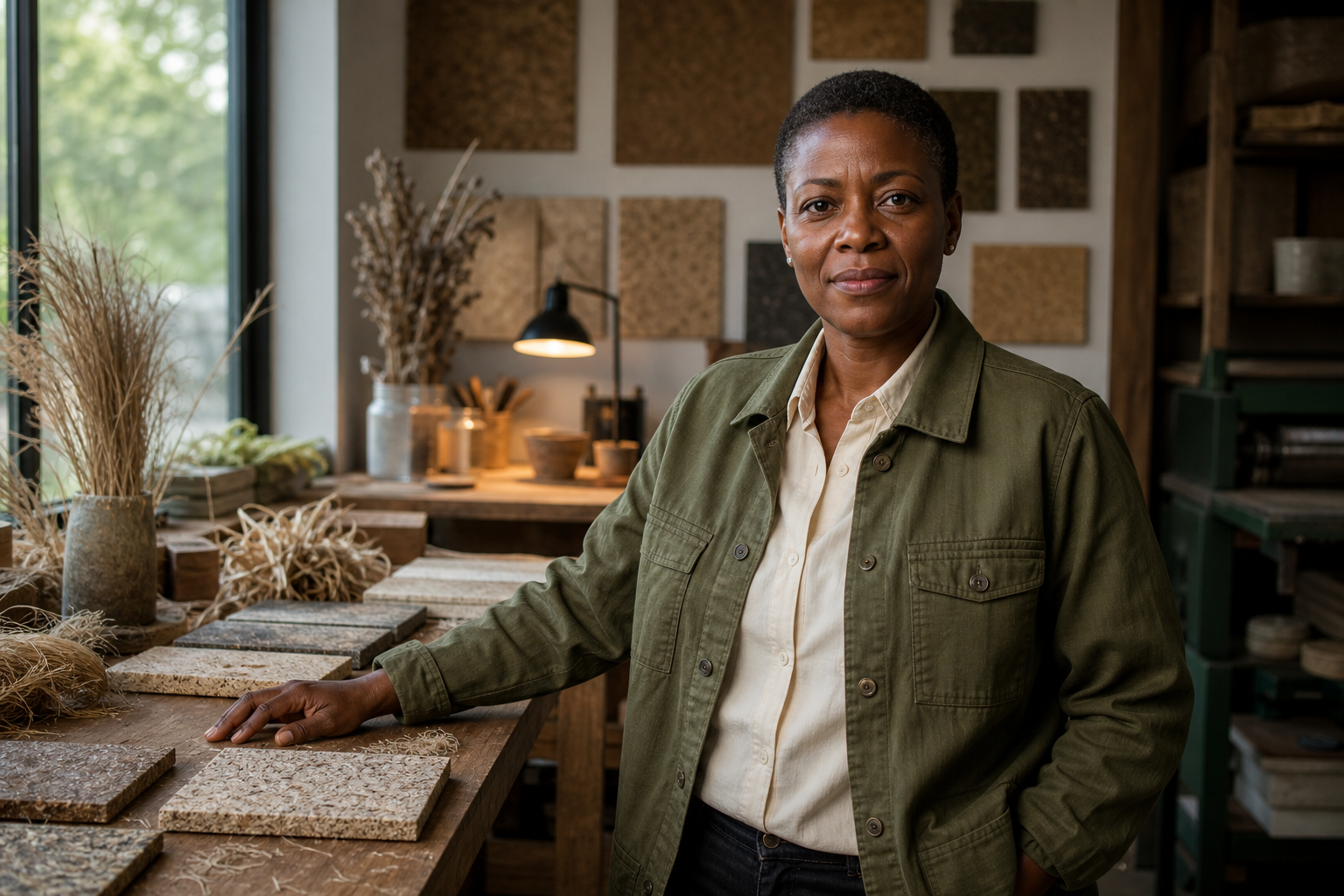
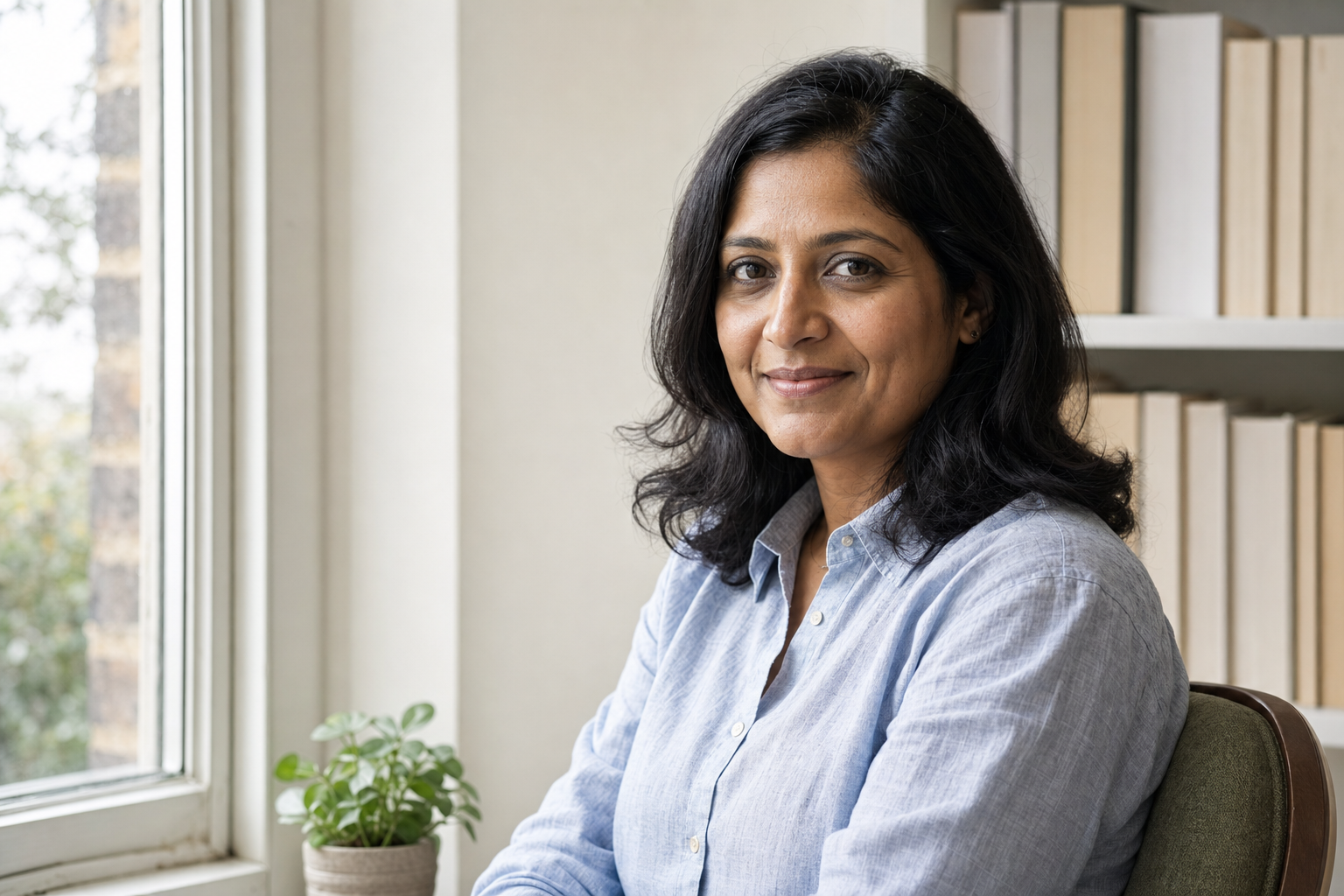
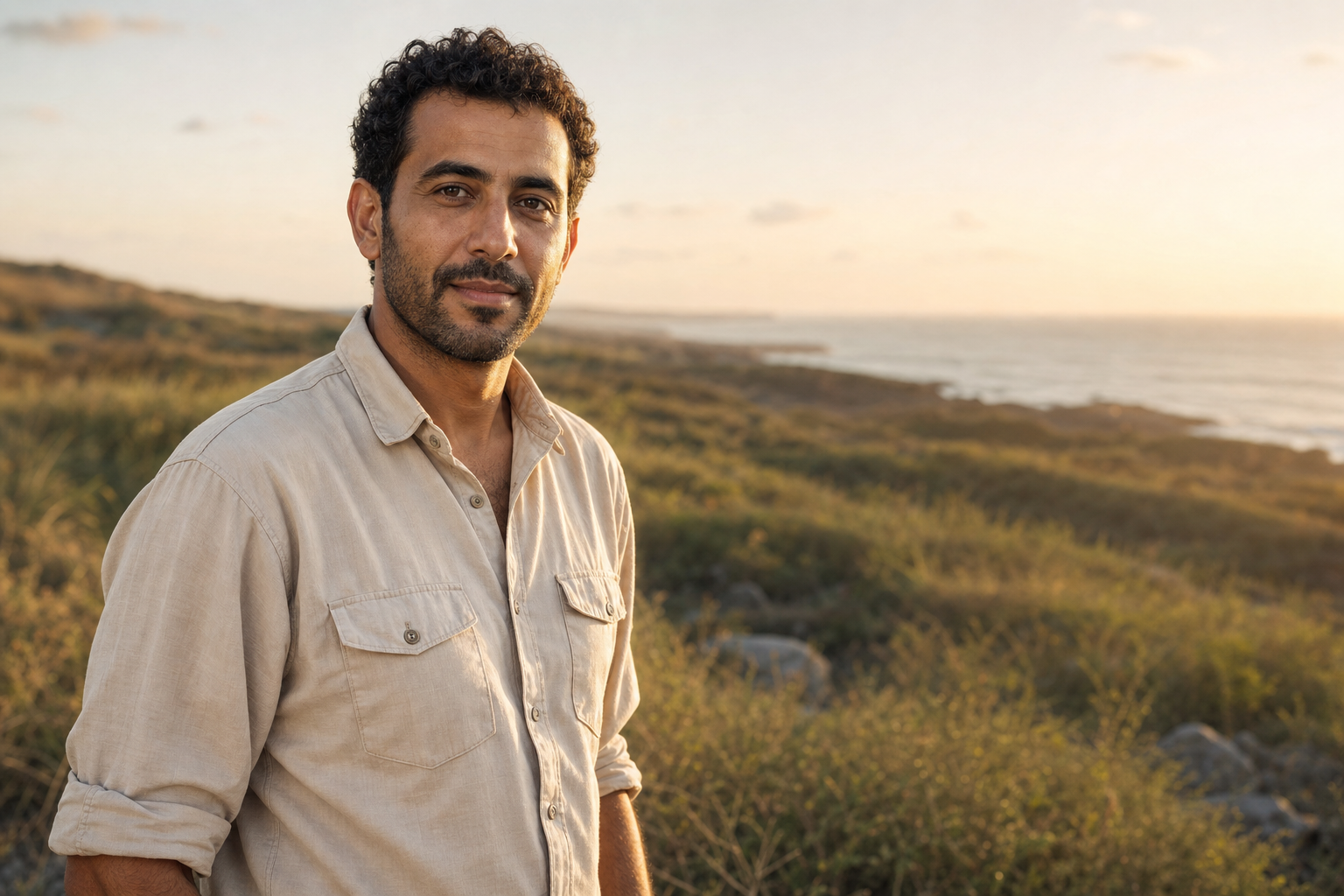
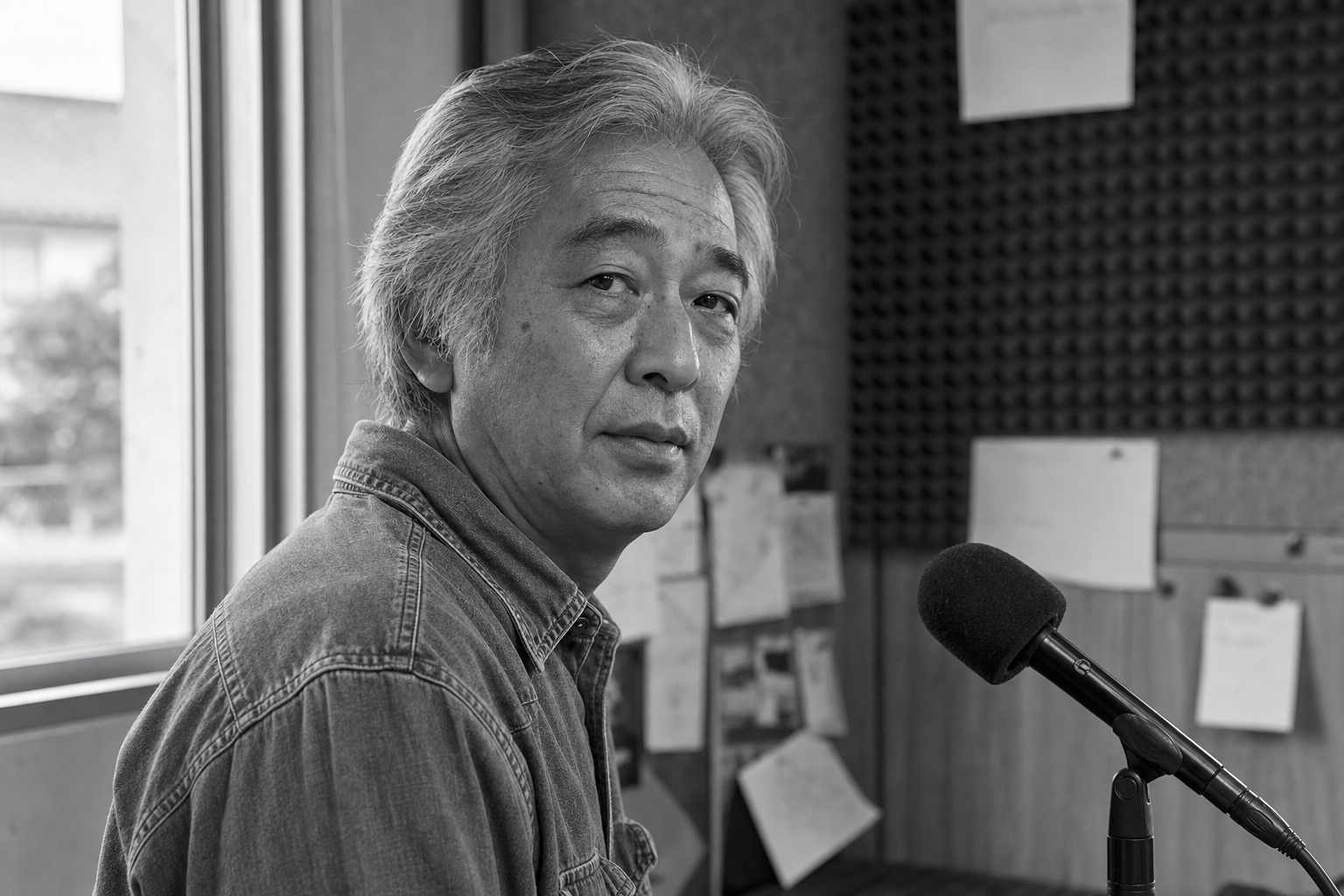
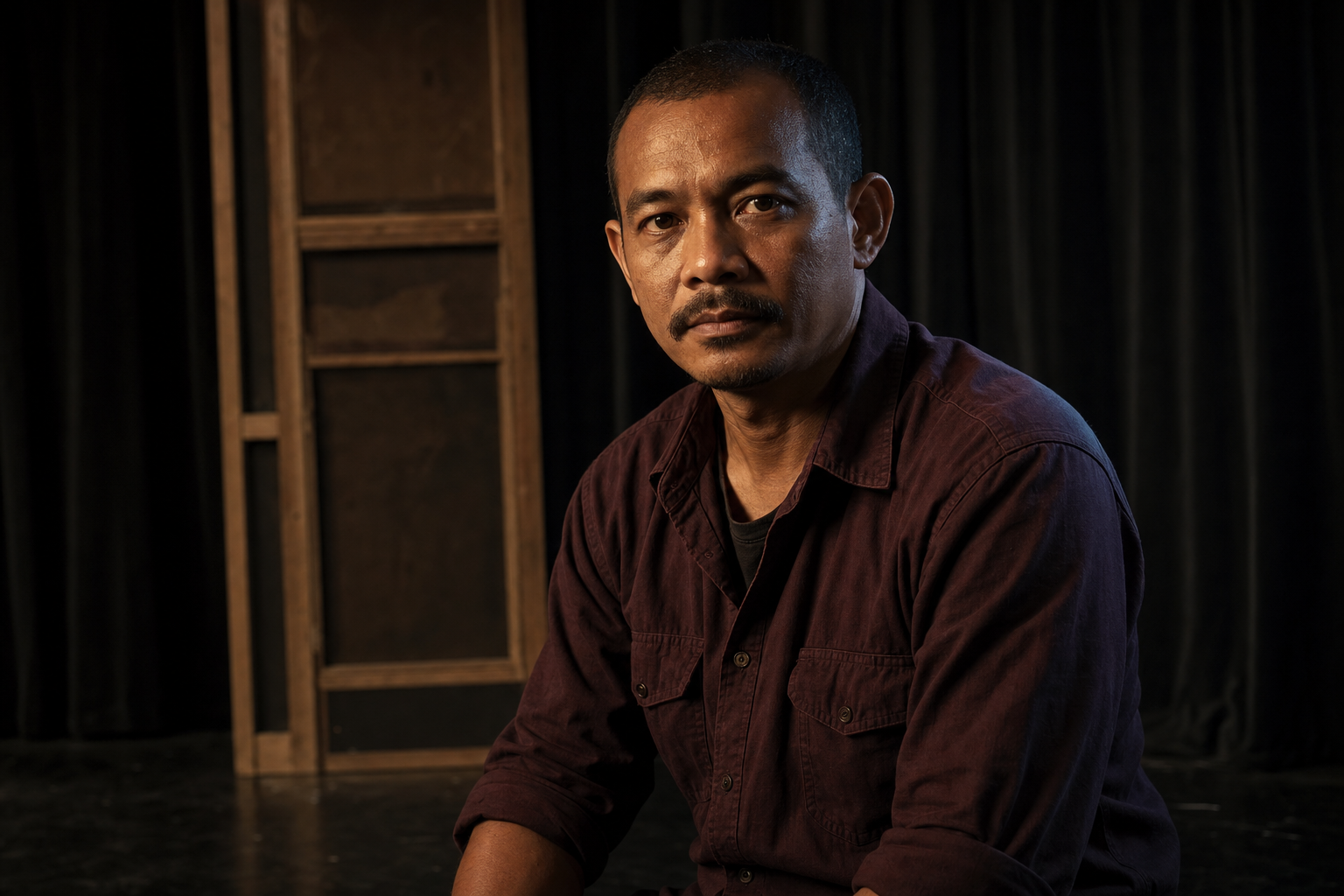
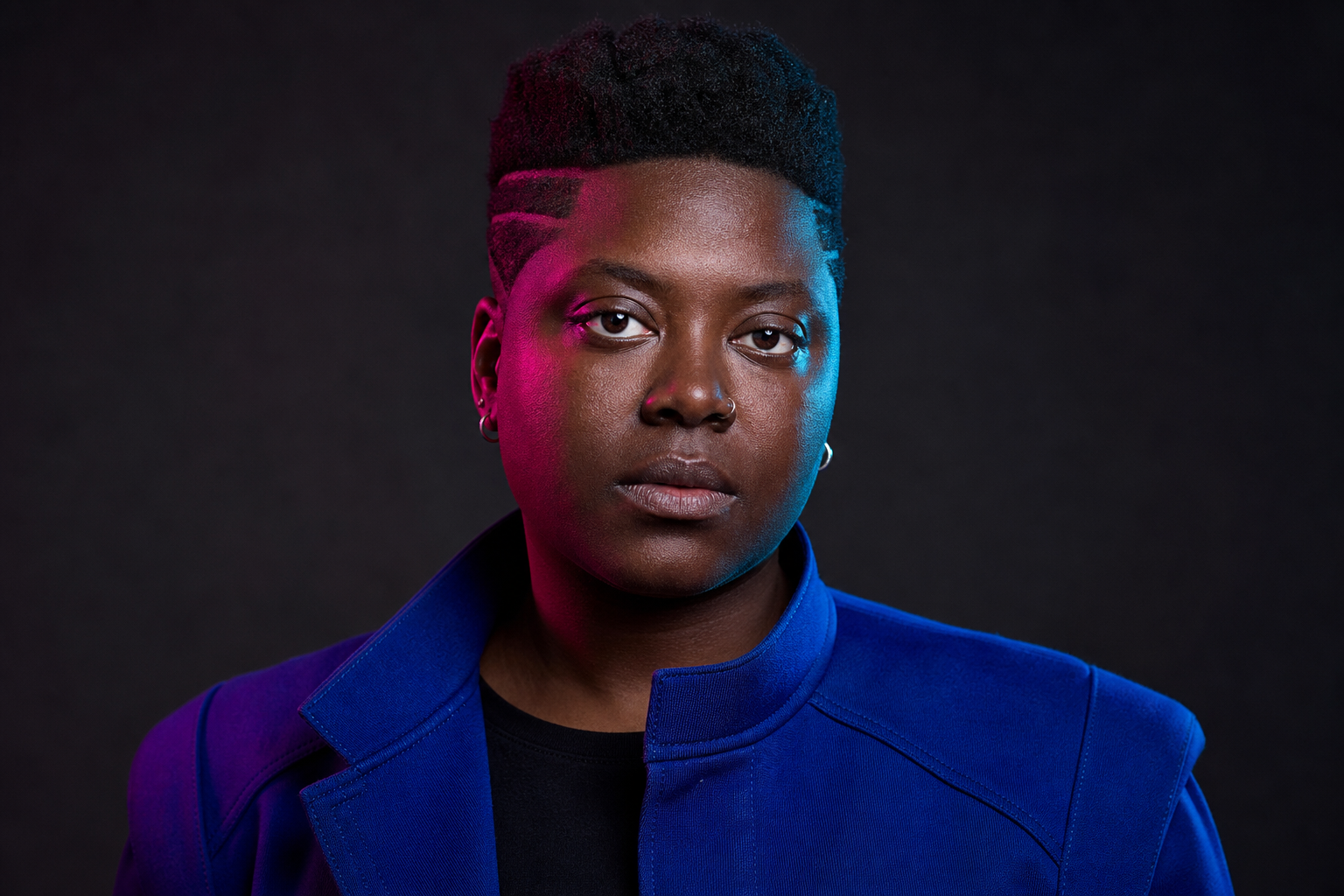
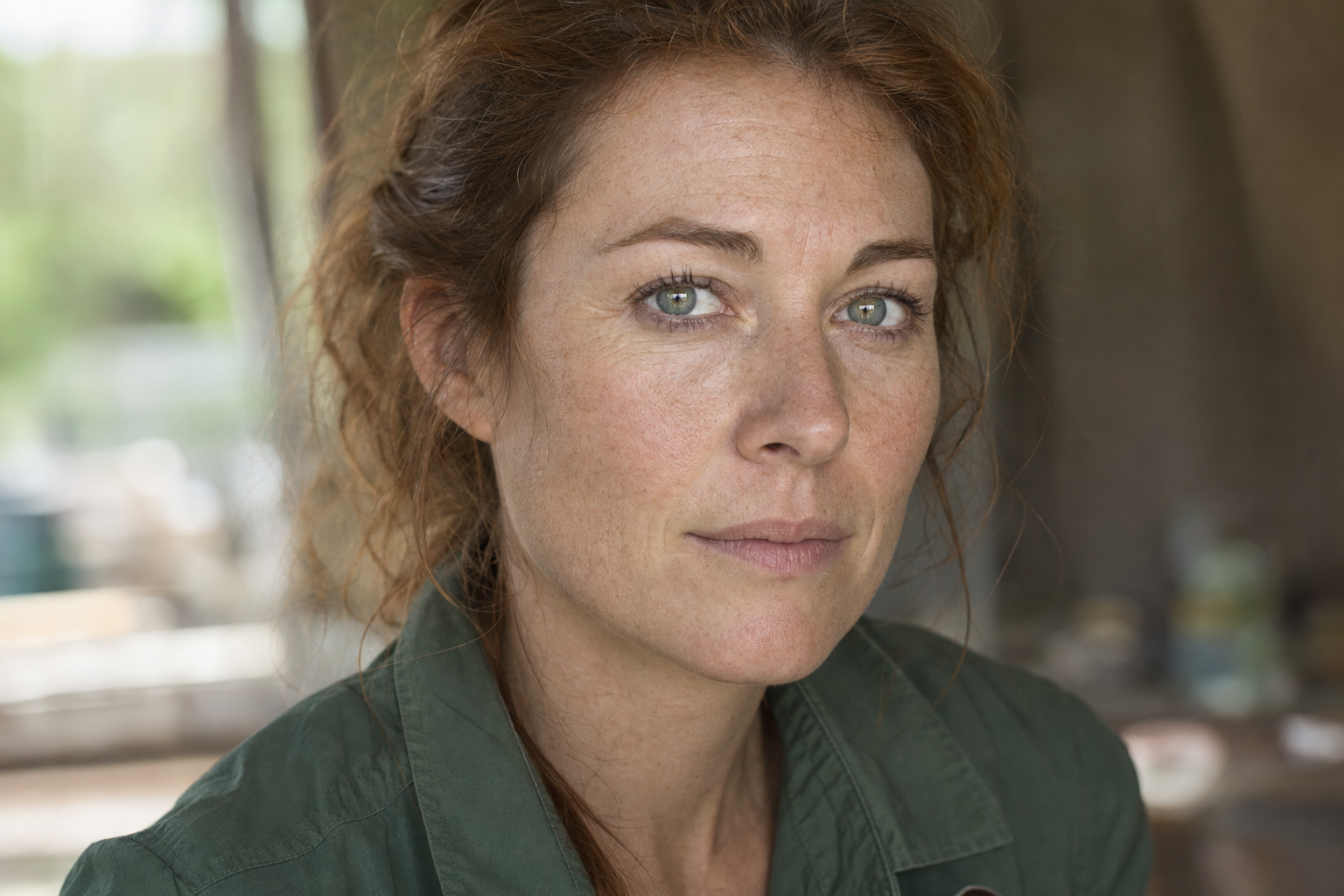
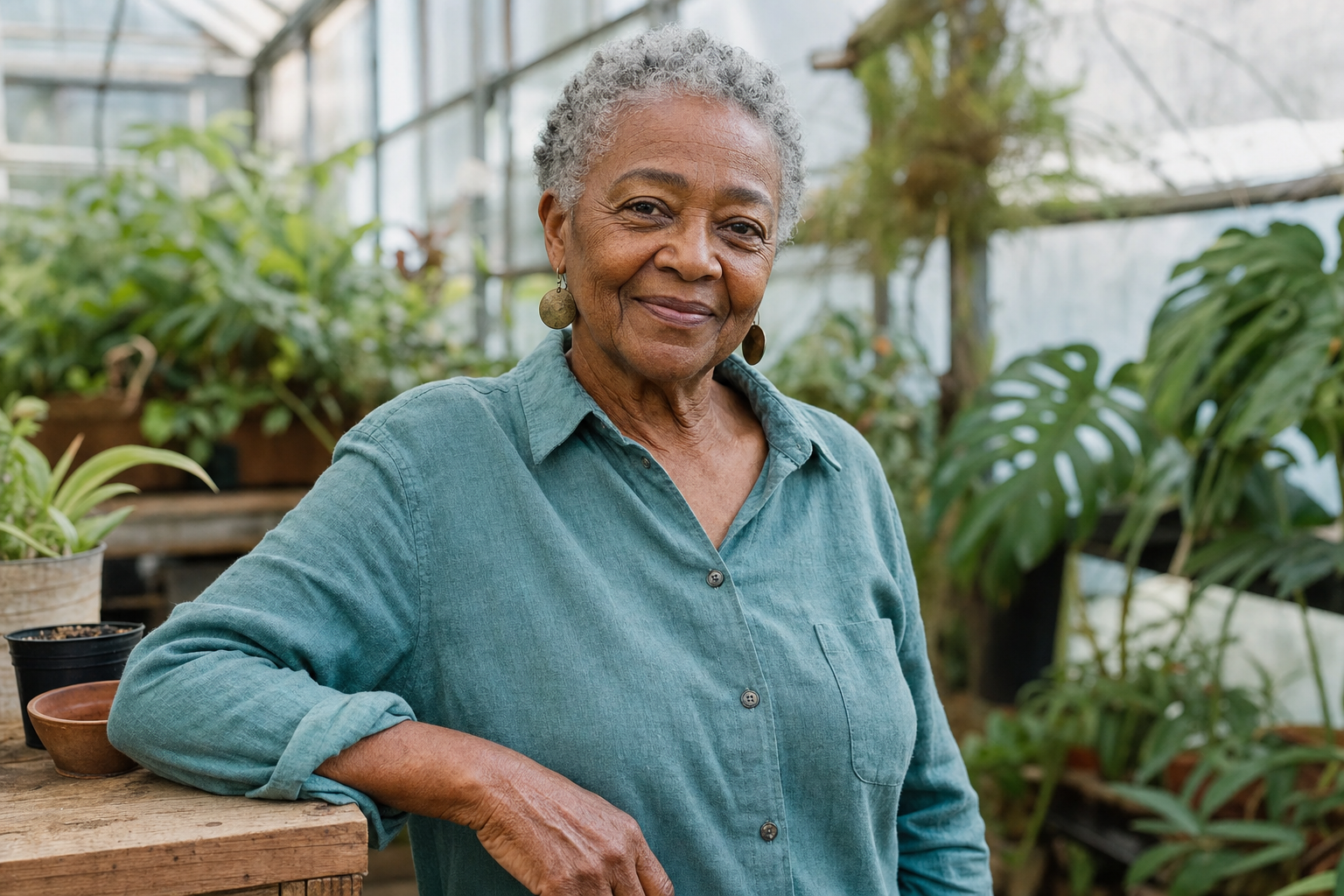
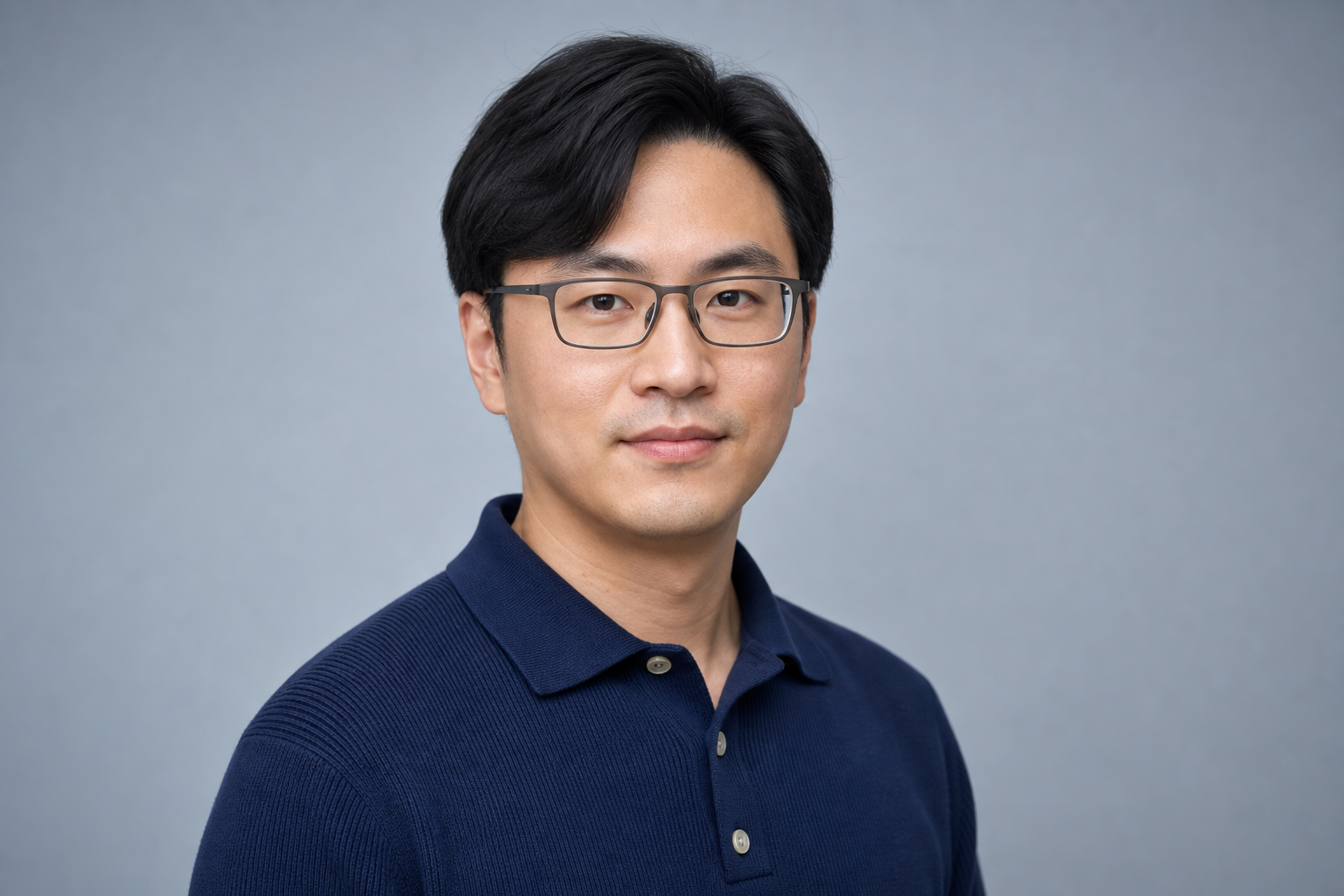
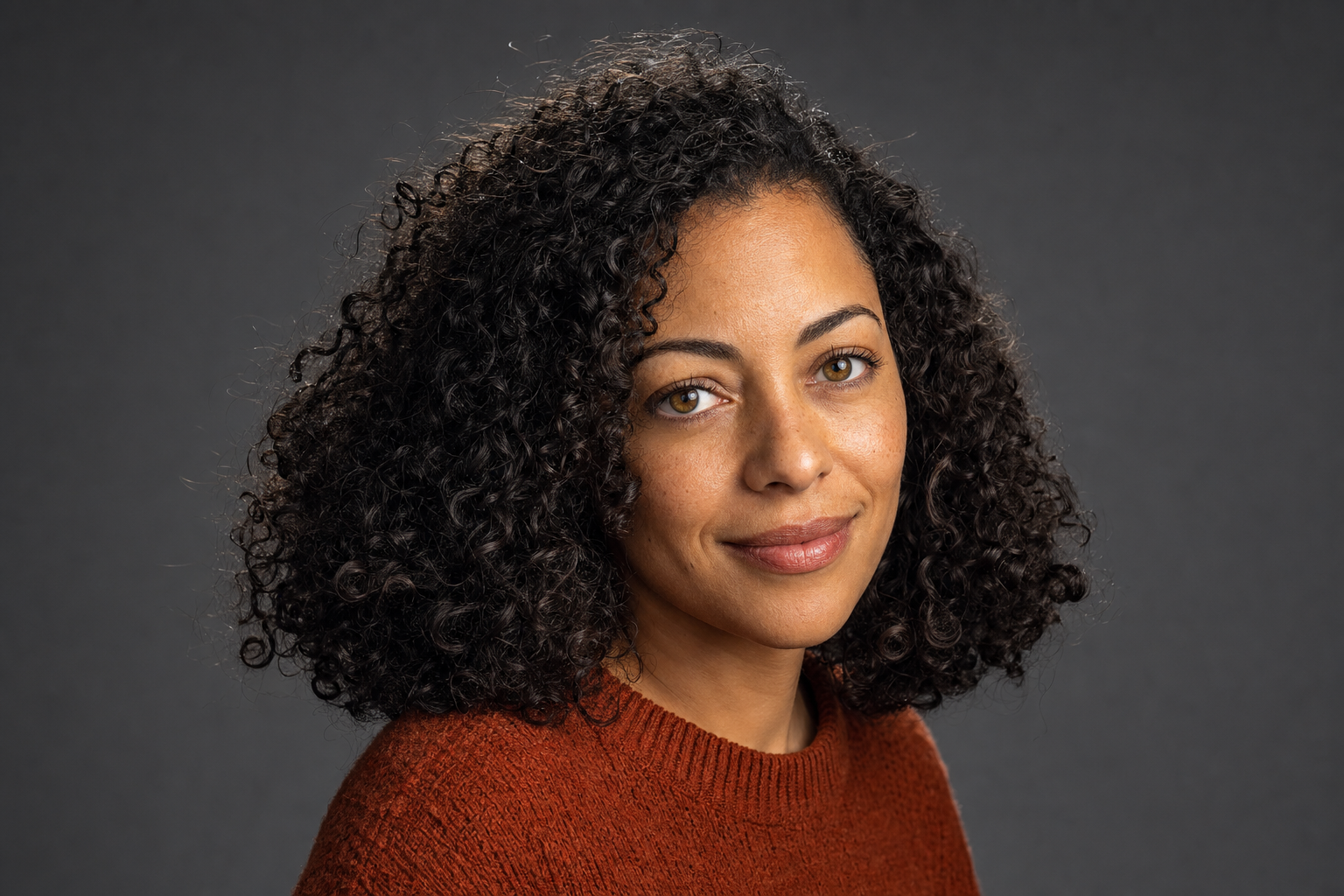
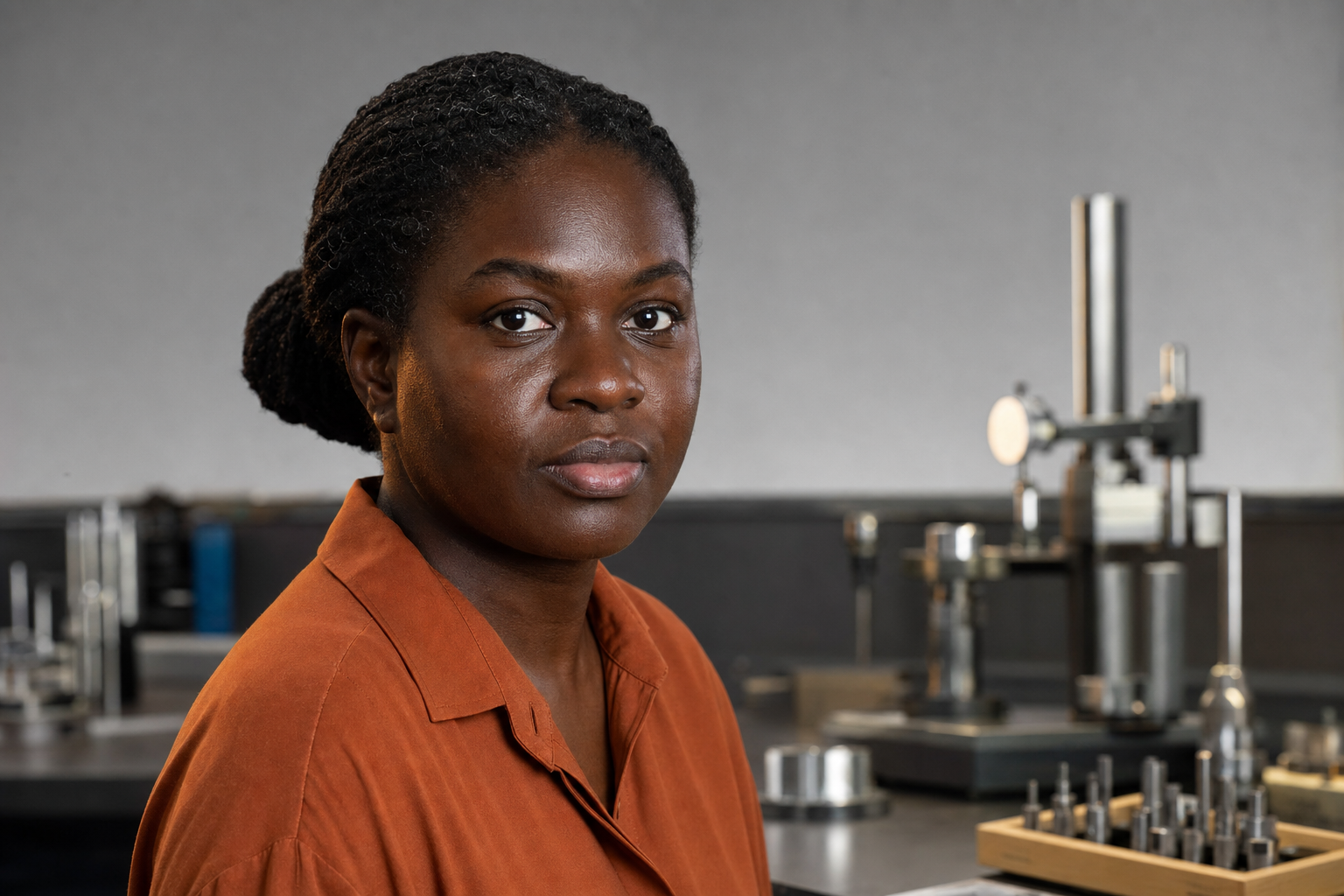
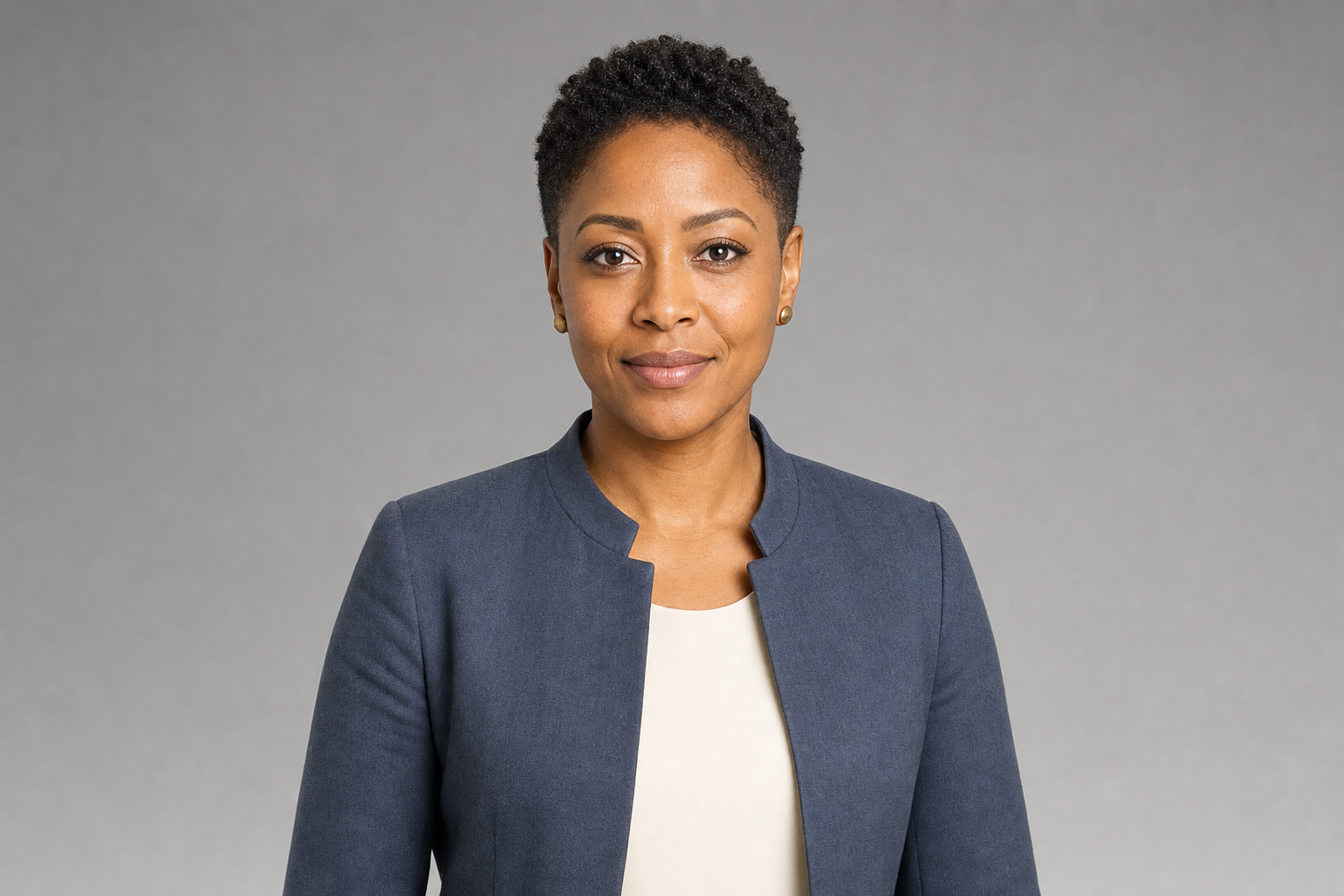
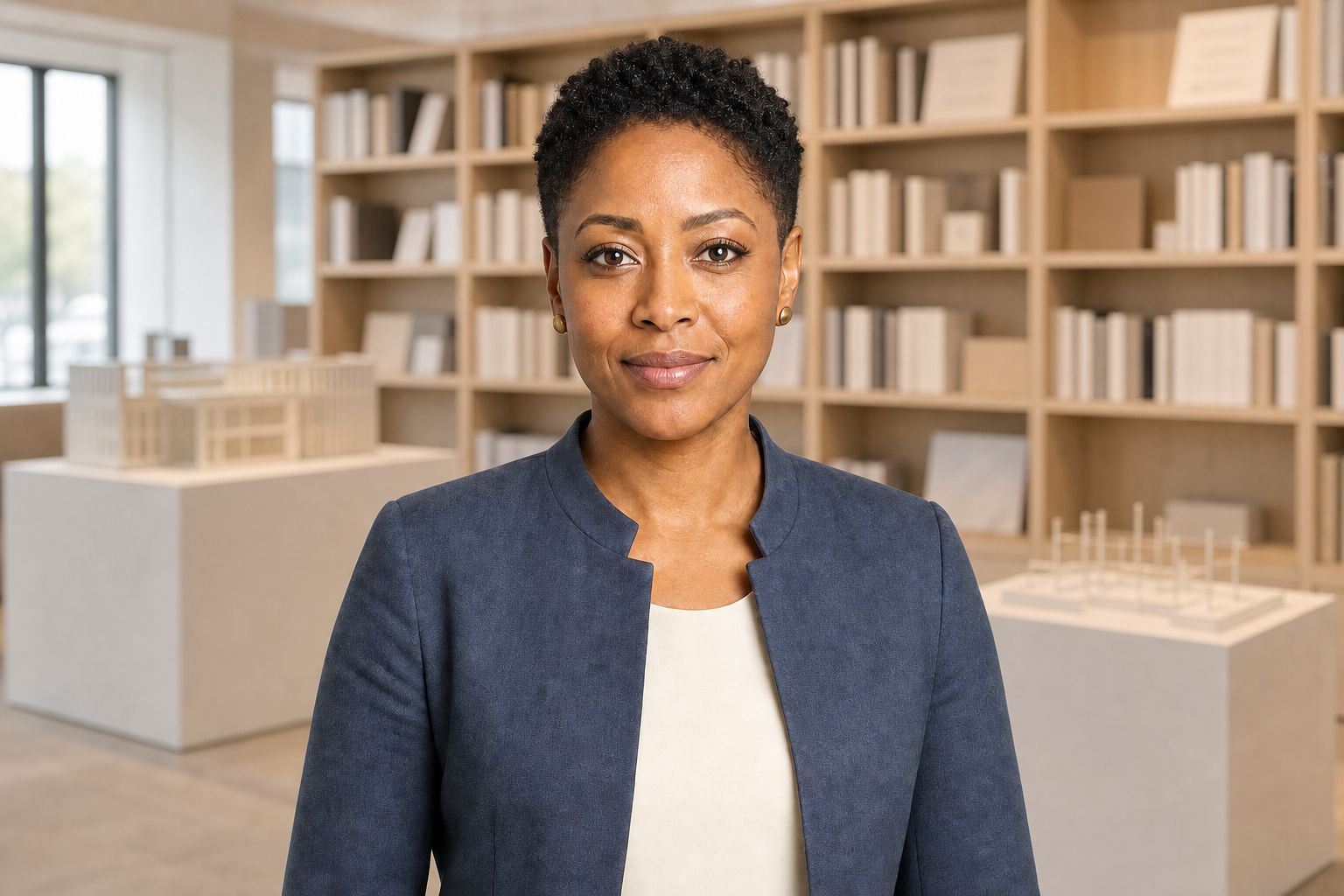
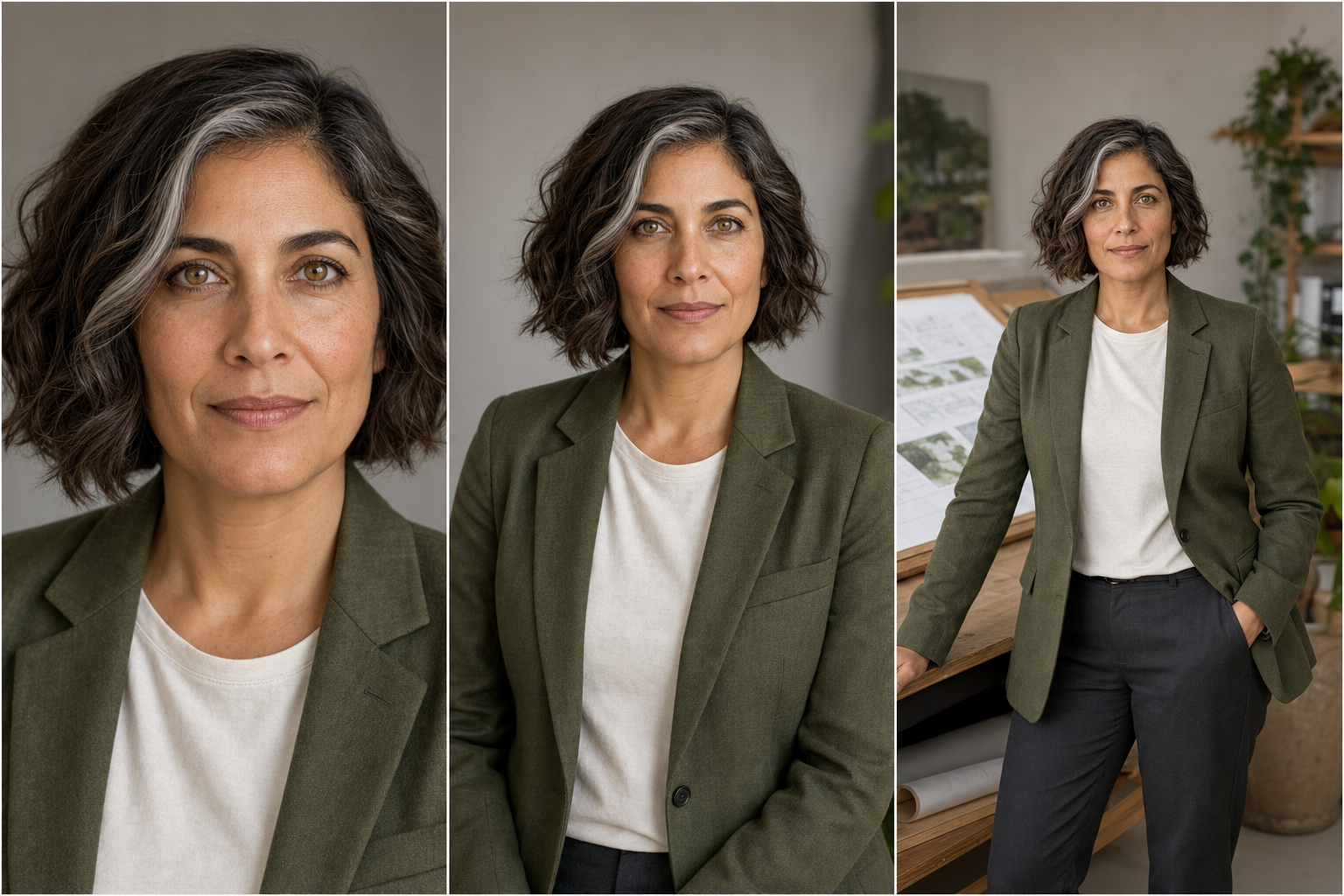
GPT Image 2 portrait prompts work best when they describe a photography decision, not just a person. State the portrait task, define a fictional adult subject, explain where the image will be used, choose a photographic style, specify camera position and crop, design the light, name visual failures to avoid, and request a concrete output size. The 15 copy-ready examples below cover neutral headshots, environmental founder and creator profiles, window light, golden hour, monochrome documentary work, low-key and colored-gel lighting, realistic skin texture, mature adults, glasses, curls, very deep skin exposure, an authorized background edit, and a three-composition identity test. Each visible prompt is paired with its own reviewed GPT Image 2 result. Replace the fictional subject details and context for your project, but keep the composition, lighting, constraints, and output clauses until you have a clean baseline. Then adjust one variable at a time. Rerun any result that smooths away real texture, changes identity, hides the eyes, clips skin highlights, invents brands or text, or resembles a real public figure.
Copy tested GPT Image 2 portrait prompts for professional headshots, editorial profiles, natural skin, difficult lighting, age fidelity, glasses, curls, deep skin, and identity-preserving edits.
15 prompts · 15 reviewed GPT Image 2 results · Updated 2026-07-14
Choose the right GPT Image 2 portrait workflow
Use a neutral headshot when identity and trust are the only story, an environmental portrait when place explains the person, and a controlled-light portrait when mood or a technical challenge is the teaching point. Keep one primary goal per generation. A clear crop, one lighting plan, and explicit texture or identity constraints produce a result that is easier to inspect and correct.
GPT Image 2 portrait prompt FAQ
What should a GPT Image 2 portrait prompt include?
Include the task, a fictional or authorized subject, the intended context, photographic style, crop and camera perspective, lighting design, explicit constraints, and output dimensions. Concrete decisions are more useful than a long list of flattering adjectives.
How do I get realistic skin instead of a beauty-filter look?
Ask to preserve pores, peach fuzz, fine lines, freckles, facial asymmetry, and under-eye texture. Request restrained retouching and natural highlight rolloff, then explicitly exclude pore removal, plastic skin, excessive sharpening, and glamour smoothing.
How can I prevent reflections in glasses?
Place large feathered sources higher and farther to each side so their reflection paths miss the lenses. Keep both eyes visible, use matte frames, avoid ring lights and bright windows in front of the subject, and inspect each lens independently.
What is the safest way to edit a portrait background?
Use only an image you own or are authorized to edit. Tell GPT Image 2 to change the background alone, freeze the person’s facial geometry, expression, pose, crop, clothing, age, skin exposure, and catchlights, and review hair and clothing edges for halos or redraws.
How do I expose very deep skin accurately?
Use a large diffused key, broad neutral fill, calibrated white balance, and controlled highlights. Ask for rich natural undertones with readable shadow contours, and exclude ashy gray lift, red oversaturation, crushed blacks, and clipped forehead highlights.
Can I copy these GPT Image 2 portrait prompts for commercial work?
The examples use fictional adults, generic settings, and an authorized synthetic edit input without brands, celebrities, protected characters, or living-artist style requests. Check your own substituted people, source-image rights, model terms, employer policies, releases, and local law before commercial use.